
Business documents, ready to send
A free library of the agreements and proposals small teams send most often — client contracts, service proposals, sale and investment agreements. Every one is a complete, professionally structured document, available as an editable Word file or a print-ready PDF. No sign-up, no email wall.
A good template saves the first hour, not the last one
Most teams start every contract by opening the last one they sent and deleting the client's name. These templates give you a clean, complete starting point instead.
Complete, not skeletal
Each document covers the clauses these agreements normally need — scope, payment, ownership, termination — rather than a title page and a few headings.
Built to be edited
Placeholders mark every field you need to fill in, so it is obvious what has to change before the document goes out.
Free and ungated
Download any template as an editable Word file or a PDF, directly. We do not ask for your email address to hand one over.
Contracts and agreements
Documents that set out the terms between two parties — who does what, for how much, and what happens when something changes.
Agency agreement
Appoint an agent to market or sell on your behalf, covering territory, commission, duration and the limits of their authority.
Freelance contract
Engage an independent contractor with clear scope, deadlines, rates, payment terms and ownership of the finished work.
Software developer agreement
Hire a developer with deliverables, milestones, IP assignment and confidentiality written down before the first commit.
Investment agreement
Record the terms of an investment — amount, instrument, equity or return, and the rights the investor receives.
Joint venture agreement
Set out contributions, ownership split, governance and profit sharing between parties collaborating on a shared venture.
Car sale agreement
Document a private vehicle sale — buyer and seller details, price, the vehicle's condition, and transfer of ownership.
Car rental agreement
Terms for renting a vehicle out: rental period, payment, deposit, permitted use and who carries which liability.
Client proposals
Documents you send to win the work — what you will do, how long it takes, and what it costs.
Marketing proposal
Pitch a marketing engagement with campaign goals, deliverables, timeline and pricing laid out for the client.
Digital marketing proposal
Scope a digital engagement channel by channel — search, social, paid, email — with KPIs and reporting cadence.
Graphic design proposal
Propose design work with concepts, deliverable formats, revision rounds and a schedule the client can approve.
Web design proposal
Present a design project: objectives, approach, page inventory, milestones and pricing in one document.
Website development proposal
Scope a full build — requirements, phases, integrations, testing and launch — with fees against each stage.
Mobile app development proposal
Pitch an app project with platforms, feature scope, tech stack, development phases and budget.
Stop filling these in by hand
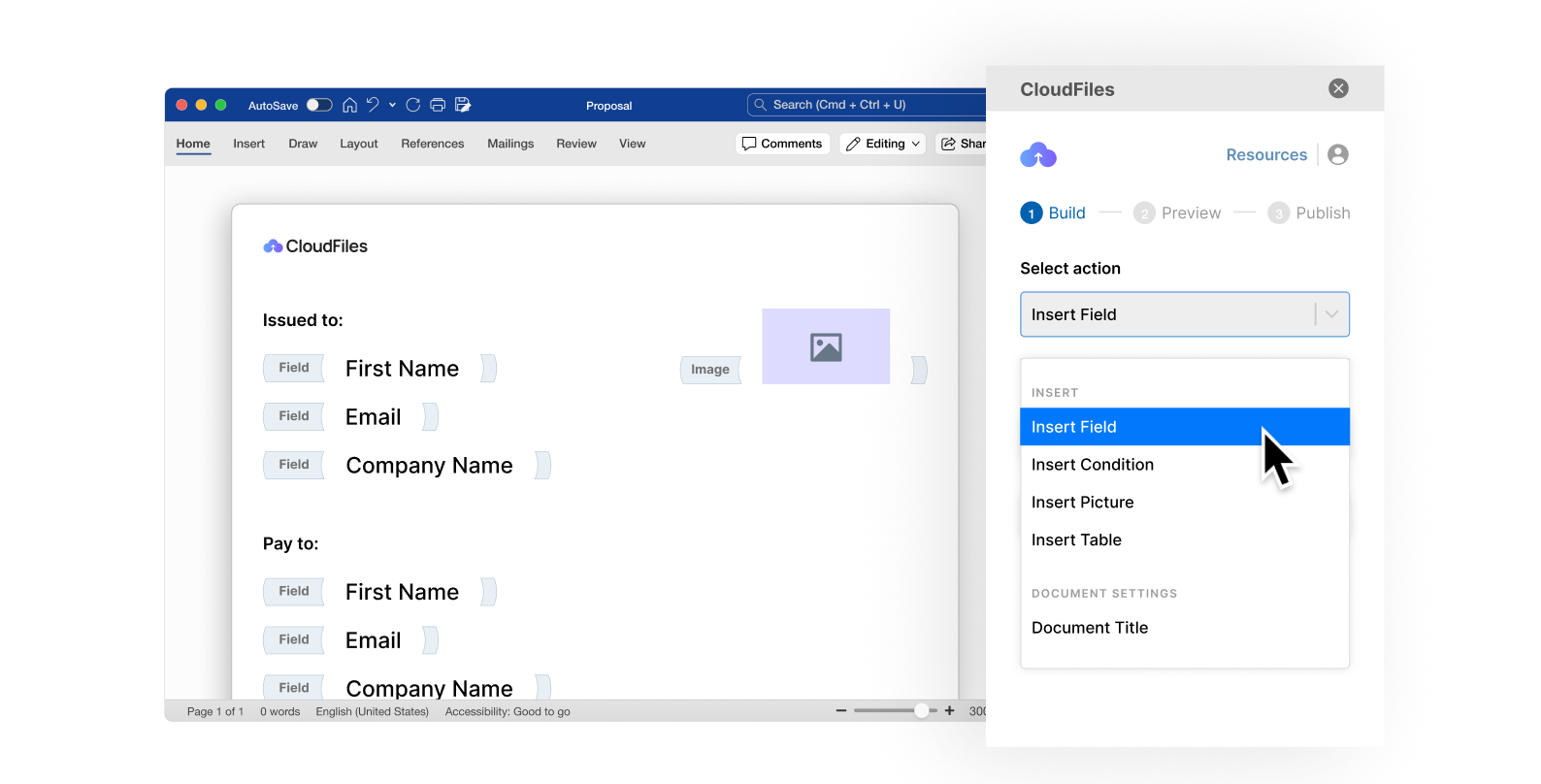
A template still means someone opens a document, retypes the client's name, the dates and the numbers, and hopes nothing was missed. CloudFiles Document Generation builds the finished document straight from your Salesforce or HubSpot record — the same layout, populated with real data, produced in seconds and filed back against the record it came from.
About these templates
Yes. Every template on this page downloads directly — as an editable Word file or a PDF — with no form, no sign-up and no email address required. You are welcome to use and adapt them for your own business.
Yes. Every template comes as a Word (.docx) file you can open and edit like any other document — placeholders mark the details you need to replace. The PDF version is there for when you just want to print, sign or send it as-is. If you find yourself producing the same document over and over, <a href="/salesforce/document-generation">Document Generation</a> builds the finished file from your CRM data instead.
These templates are provided as general drafting starting points and are not legal advice. They have not been reviewed for your jurisdiction or your circumstances. Contract law varies considerably between countries and states, so have a qualified lawyer review any agreement before you rely on it.
No. The templates stand alone and are useful whether or not you ever use our product. CloudFiles becomes relevant when you are producing these documents repeatedly and want them generated from CRM data instead of edited by hand.
That is exactly what <a href="/salesforce/document-generation">Document Generation</a> does. You define the layout once, map the fields to your Salesforce or HubSpot objects, and the finished document is generated from a record — then stored in your own SharePoint, Google Drive or S3 through <a href="/salesforce/document-management">Document Management</a>.
Generate your documents from your CRM
See how teams turn contracts and proposals like these into automated documents produced straight from Salesforce or HubSpot records.