
Car sale agreement template
A private vehicle sale with nothing in writing leaves both sides exposed. This template records the vehicle, the price, its stated condition and the date ownership transfers — the facts that matter if anything is disputed afterwards.
Who uses this template
Private sellers
You are selling a vehicle and want a signed record that it was sold as described, on a specific date, in the condition stated.
Private buyers
You want the price, the odometer reading and the seller's declarations recorded rather than agreed verbally.
Small dealers and traders
You need a consistent, repeatable sale record for straightforward transactions.
What the template covers
Every section below is already drafted in the document, with placeholders marking the details you need to fill in.
Buyer and seller details
Full names and addresses of both parties, so the agreement identifies who is actually bound by it.
Vehicle description
Make, model, year, registration, VIN and odometer reading at the point of sale.
Purchase price and payment
The agreed price, the payment method, and any deposit already paid.
Condition and as-is sale
The vehicle's stated condition and any known defects disclosed by the seller.
Transfer of ownership
The date and time possession and ownership pass to the buyer.
Signatures
Space for both parties to sign and date, which is what turns the record into an agreement.
Download the car sale agreement template
An editable Word document you can drop your own details into, or a print-ready PDF. Both free — no form, no email address required.
Generate this document from your CRM
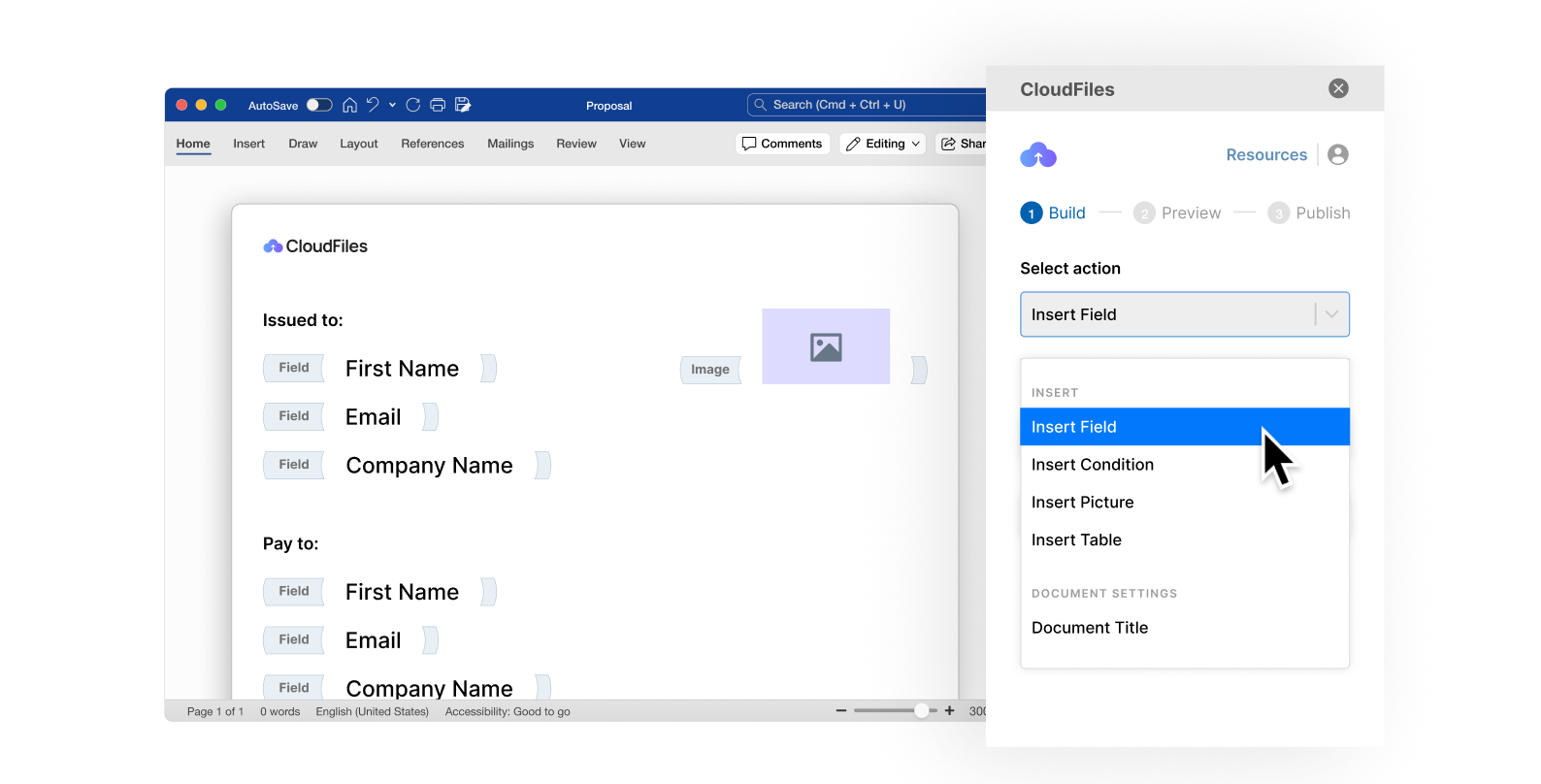
A template still means someone opens a file and retypes the names, dates and figures for every new agreement. CloudFiles Document Generation produces the finished document from a Salesforce or HubSpot record — the same structure, populated with real data, generated in seconds and filed straight back against the record it came from.
Frequently asked questions
No. This agreement records the sale between buyer and seller. Registration and title transfer are handled separately through your local vehicle authority, and that process is what officially changes the registered keeper.
It means the buyer accepts the vehicle in its current condition, with the defects the seller has disclosed. It does not automatically remove every legal protection a buyer has — consumer protections vary by jurisdiction and can apply regardless of wording, particularly for trade sellers.
Yes, and the template has a field for it. In many jurisdictions an odometer declaration is a legal requirement in a vehicle sale, and it is a common source of later disputes.
Yes — download the Word (.docx) version and edit it like any other document. Placeholders mark every detail you need to replace. The PDF is there when you just want to read, print or send it as-is.
No. It is a general drafting starting point and has not been reviewed for your jurisdiction or your circumstances. Contract law varies considerably between countries and states, so have a qualified lawyer review any agreement before you rely on it.
No. Both download links on this page go straight to the file — there is no form and no sign-up.
Generate your documents from your CRM
See how teams turn documents like this one into automated output produced straight from Salesforce or HubSpot records.