
Power Every Document Workflow in Salesforce
Every Salesforce document use case, from KYC intake and SharePoint sync to automated folders and document generation, runs on one platform. Find the workflow that matches your team below.
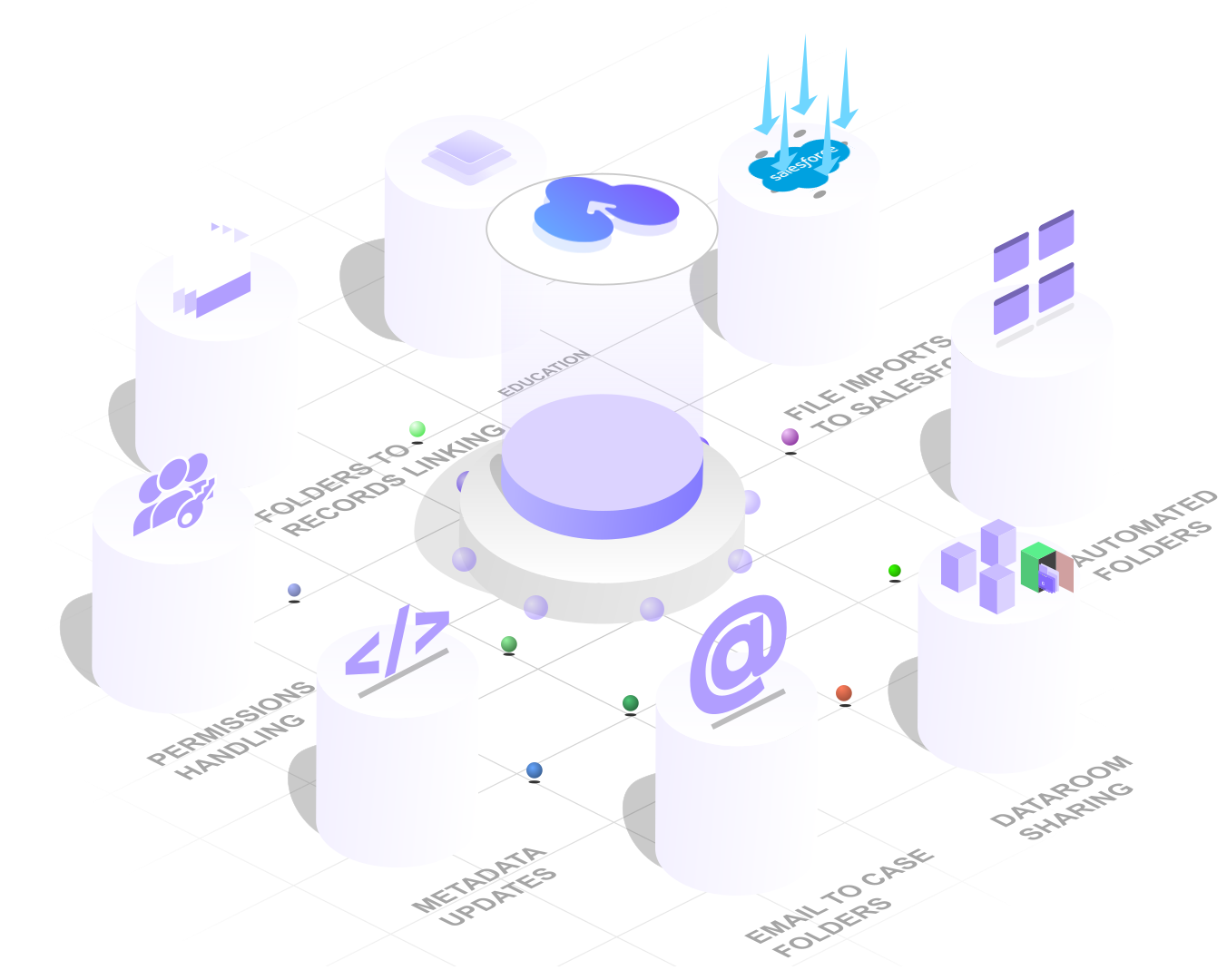


















Any use case. One document platform
CloudFiles runs every Salesforce document use case on one platform: Document Management, Document AI and Document Generation. Document Management nests Opportunity folders inside their Account folder, matching your object hierarchy automatically. Document AI classifies an uploaded file as a passport or driving license and renames it on the spot. Document Generation builds one template in Word, Excel, PowerPoint or a native Salesforce PDF form, then reuses it for every record it should apply to.
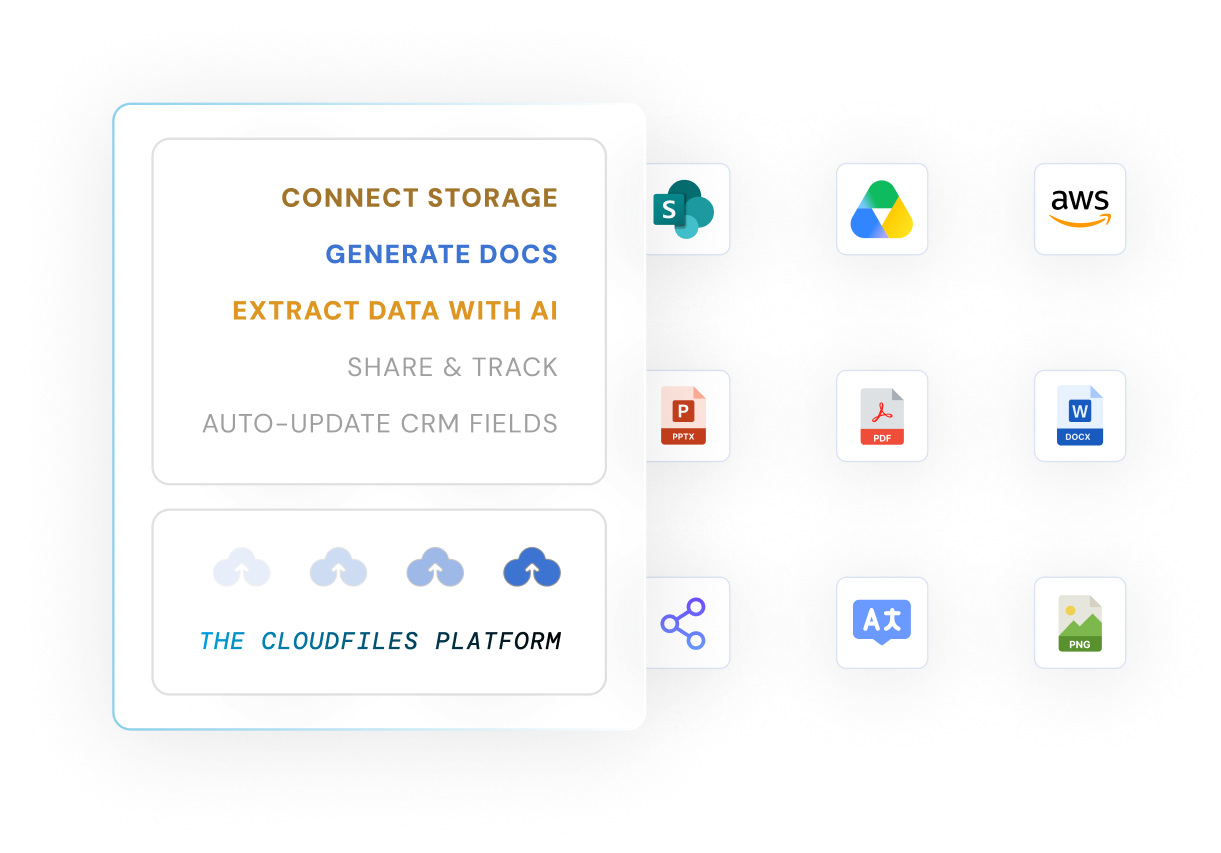
Document Management
Document Management stores and organizes files on Salesforce records, in the storage you already own. Folders are created automatically by record type, user, or workflow, and every share carries its own access controls and expiry.
- Move a Lead's folder into its Account folder automatically the moment the Lead converts
- Rename a record's SharePoint folder automatically when its name changes in Salesforce
- File a Case's email attachments into that Case's own folder automatically when Email-to-Case fires
- Share secure links with access controls, expiry, and tracking
- Collect documents directly from clients or partners
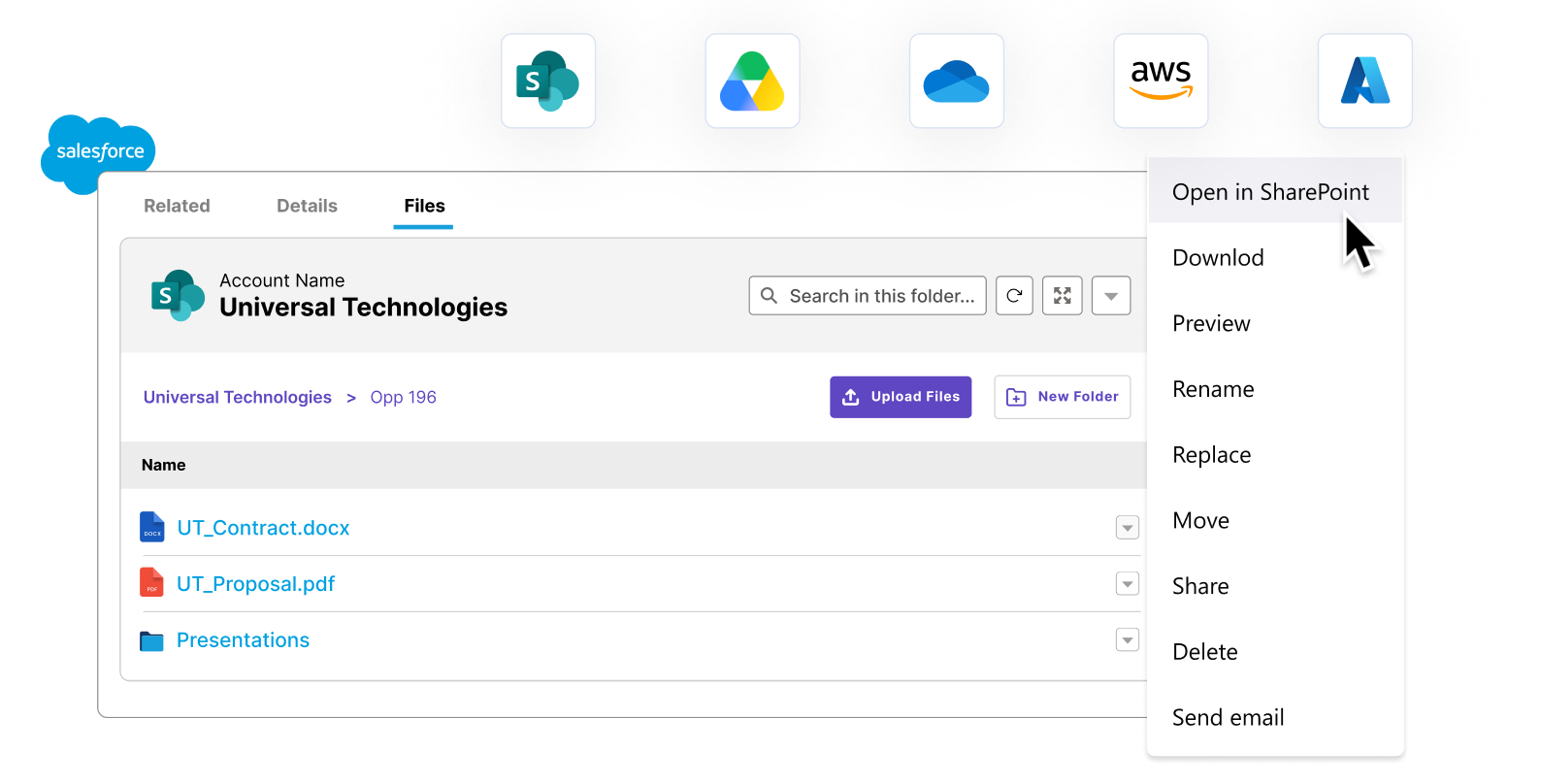
Document AI
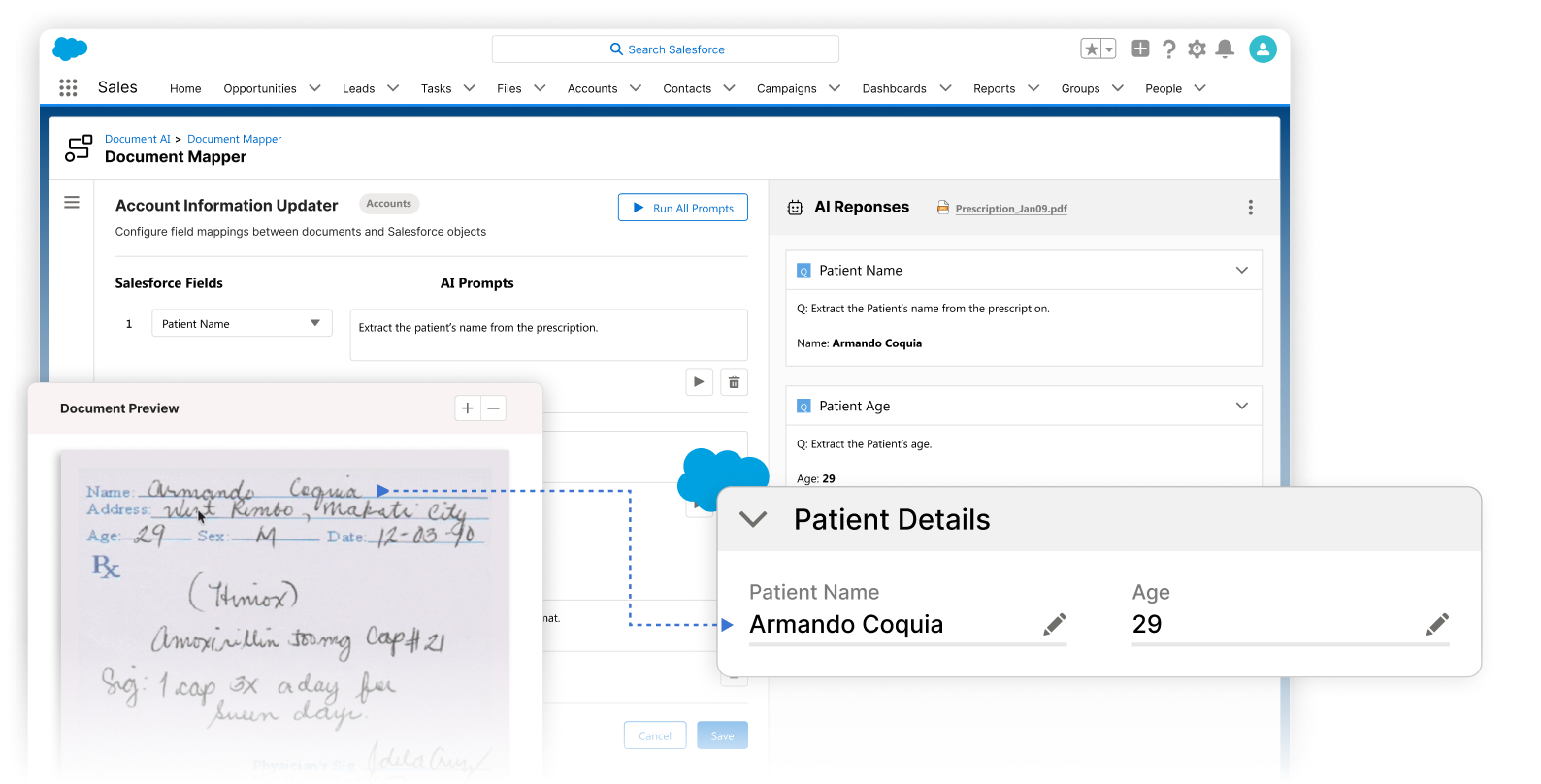
Document AI extracts data from inbound documents like forms, IDs and certificates, and writes it straight into Salesforce fields. It flags missing data and mismatches before a record moves forward.
- Detect a passport or driving license upload, extract the fields, and populate Account records in seconds
- Pull line items out of a purchase order and create the matching records automatically
- Split one combined file of multiple purchase orders into individual child records
- Extract every field from a submitted medical form straight into Salesforce
- Check whether a signed document is authentic before a record moves forward
Document Generation
Document Generation merges live Salesforce data into pre-approved templates to produce contracts, quotes and proposals in a single click, ready to send for signature.
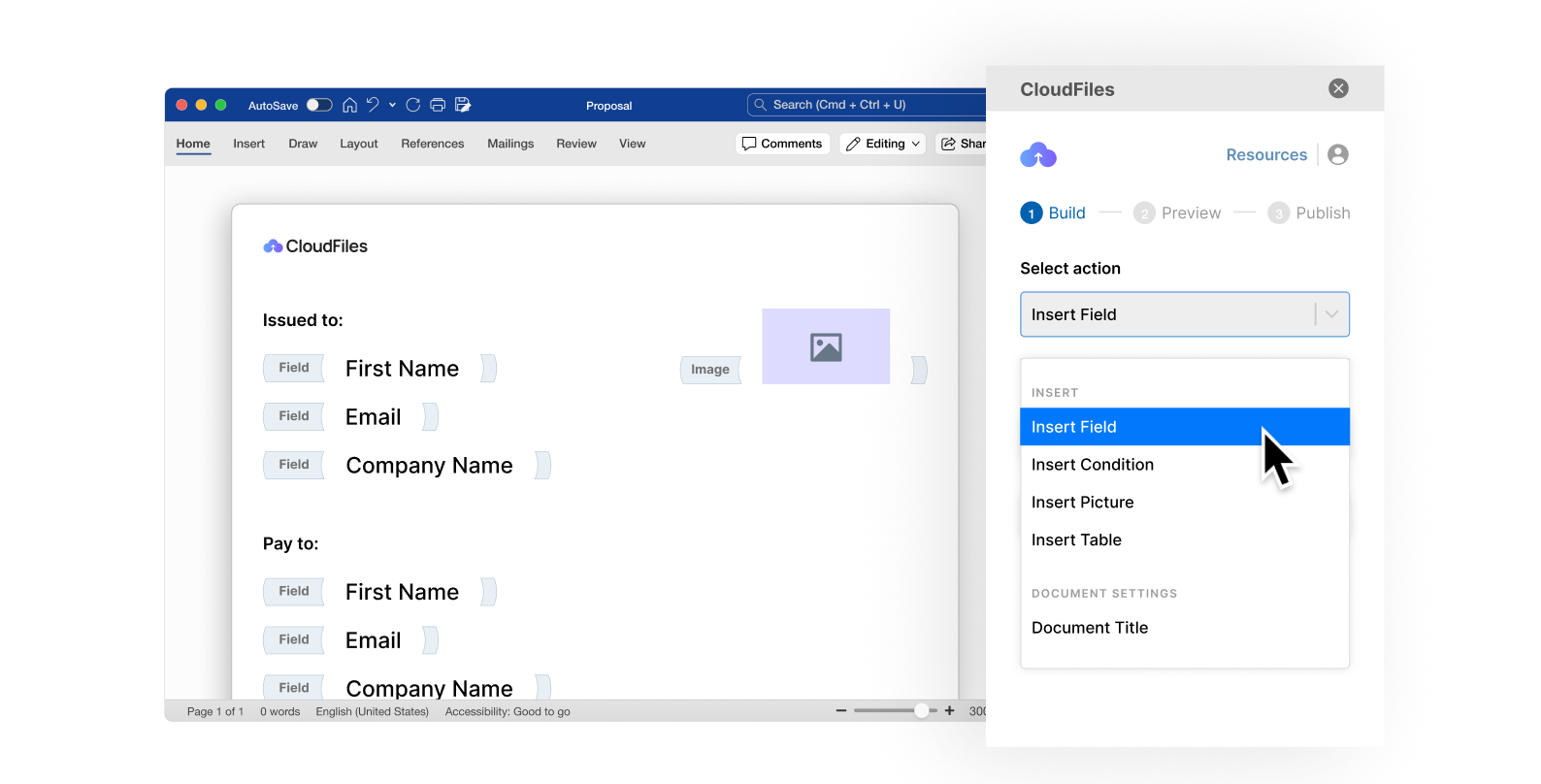
- Build a purchase-order template once in Word, then generate it on demand from any Salesforce record
- Generate onboarding kits or acknowledgment letters for hundreds of records at once, in the background
- Turn a fillable regulatory PDF into a reusable template that auto-fills from Salesforce data
- Merge multiple files, templates, or already-generated documents into one consolidated PDF
- Lock and password-protect a generated PDF automatically before it goes out for signature
Move files between Salesforce and your storage, automatically
Files already sitting in Salesforce can move out to SharePoint, Google Drive or S3 on their own, and just as easily move back into Salesforce when a workflow needs them there. CloudFiles runs the sync from inside Salesforce itself, with no separate app to open and no manual re-upload.
See these use cases in action
35% more efficient sales-to-service handover
Fresh Consulting centralized document management for sales and service teams working from Salesforce, backed by Google Drive.
50% faster document approval time
A healthcare services firm automated data extraction and rule-based validation on patient assessment forms with Document AI.
40% faster employee verification approvals
A workforce services firm used Document AI to extract employee PII, payment details and multi-page salary tables into structured Salesforce line items, backed by SharePoint.
Questions about CloudFiles use cases in Salesforce
Yes. A CloudFiles flow action detects the conversion and moves the Lead's folder into the newly linked Account folder in your external storage automatically, so nothing needs re-filing by hand.
Yes. A CloudFiles flow action renames the record's SharePoint folder automatically whenever the Account, or any other record, is renamed in Salesforce, so folder names never drift out of sync.
Yes. Document AI classifies the upload, extracts the key fields, and writes them into the matching Account fields within seconds, the same KYC upload checker flow documented in the CloudFiles help center.
Yes. Document AI splits the combined file into individual purchase orders, creates a child record for each one, and attaches the corresponding file automatically.
Yes. A Screen Flow lets a user select multiple templates and batch-generate all of them directly from the record page.
Yes. Document Generation applies printing, locking, password and retention controls to a PDF automatically as the final step of the same flow that generates it.
Book a demo
Book a 30-minute session with a documents expert. We map your workflow live and show you the exact setup for your org, whether or not you buy.