CloudFiles is the best document tool for HubSpot! It's intuitive, provides deep viewing analytics, and outperforms HubSpot's native file tools with precise tracking.
John WuTenet Technologies

Connect your storage, surface every file on the record, and automate folder and file operations all inside HubSpot, without a single file leaving your storage.
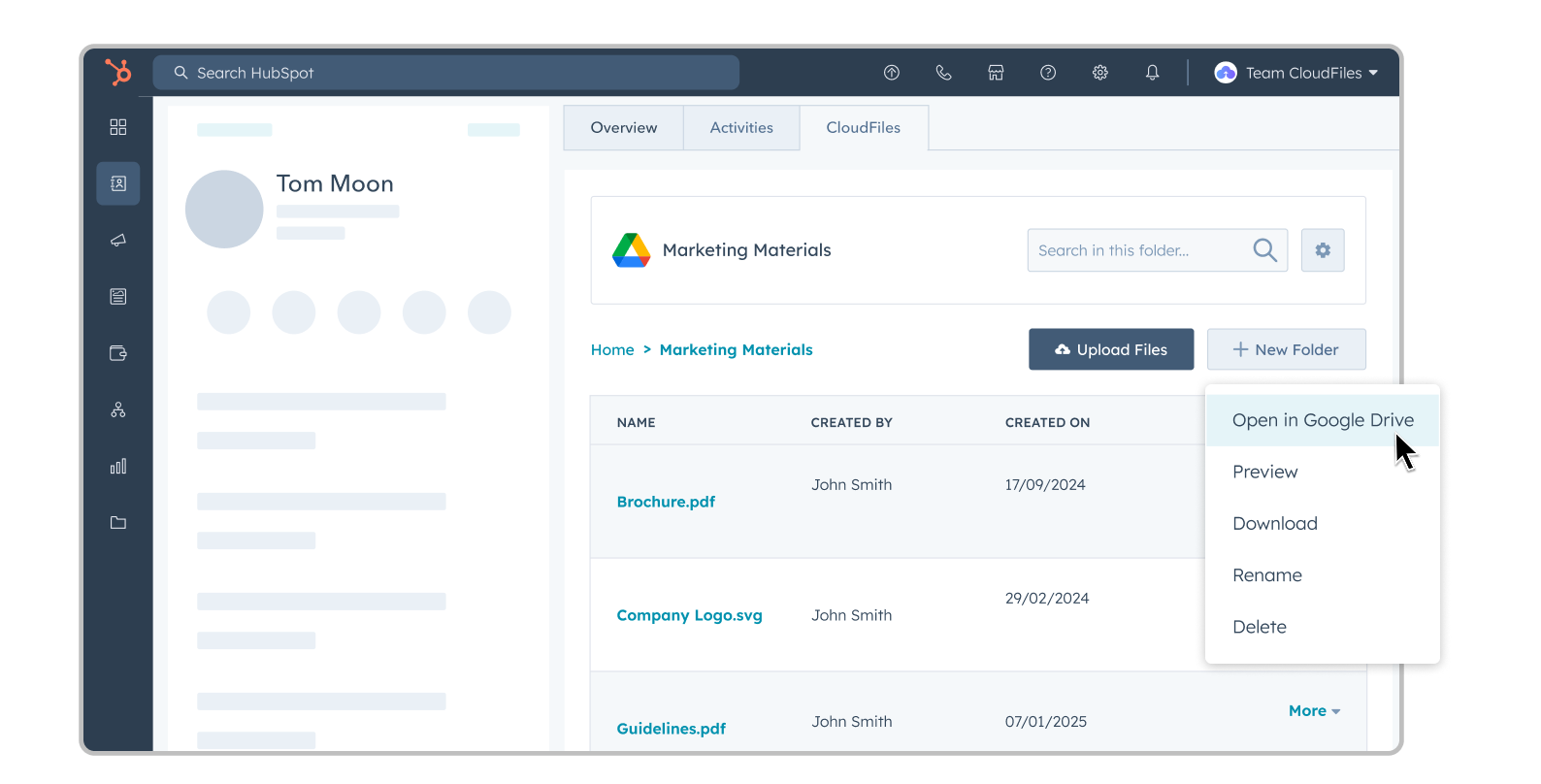







CloudFiles is the document management layer for HubSpot, connecting Google Drive, SharePoint, OneDrive, Dropbox, and Microsoft Teams directly to contacts, companies, deals, tickets, and custom objects. It runs natively inside HubSpot through the App Card and Sidebar Widget, so teams store, surface, and automate documents without leaving the record. Files stay in your own storage, CloudFiles never re-hosts them.
Teams using CloudFiles inside HubSpot
Average rating on the HubSpot Marketplace
Independent certifications: SOC 2, ISO 27001, HIPAA, GDPR
Connected storage platforms in one Integrations screen
Native Files works for a quick attachment, but it wasn't built to manage documents at scale. CloudFiles changes the starting point.
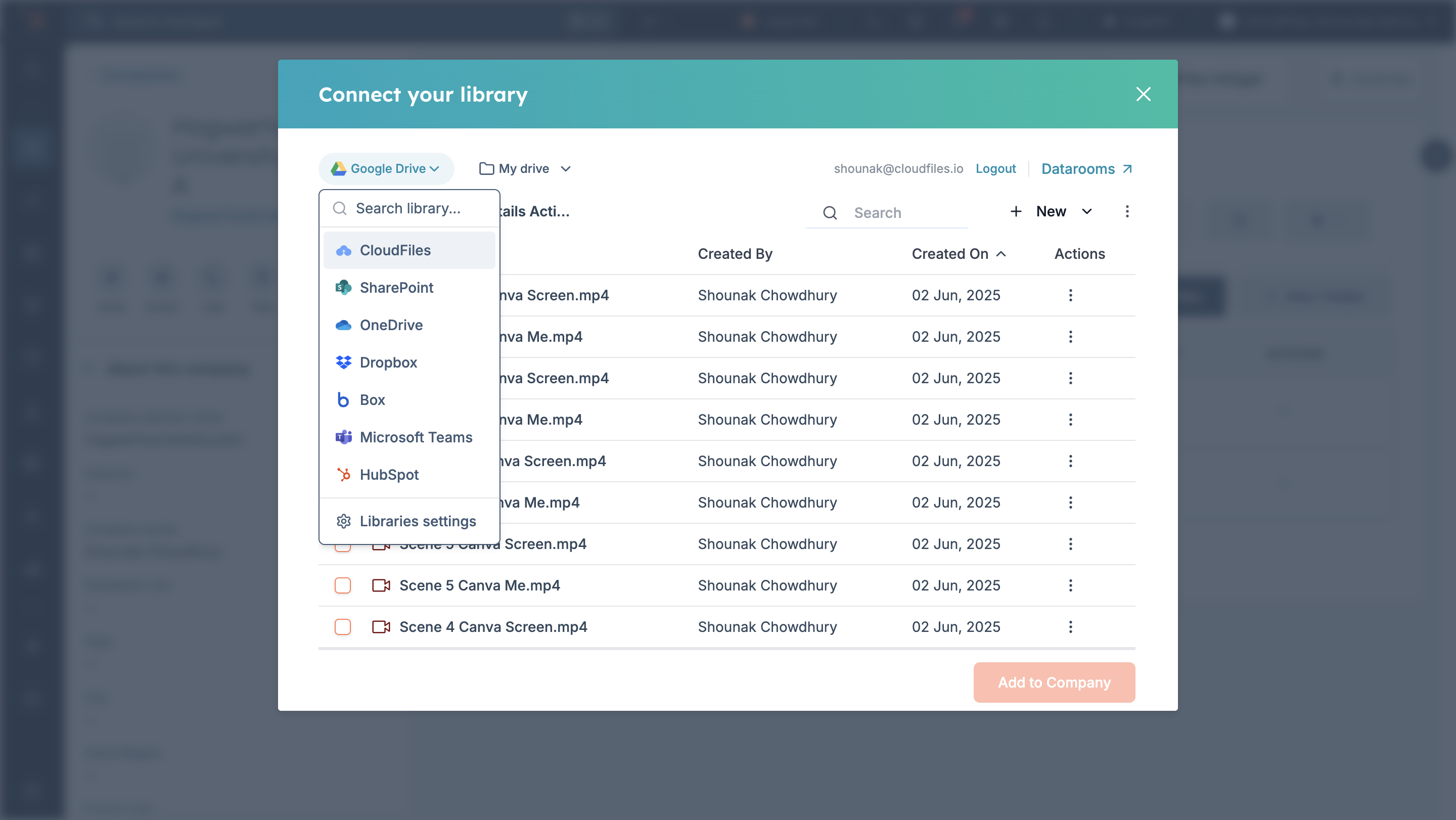
Connect Google Drive, SharePoint, OneDrive, Dropbox, and Microsoft Teams to HubSpot from a single Integrations screen.
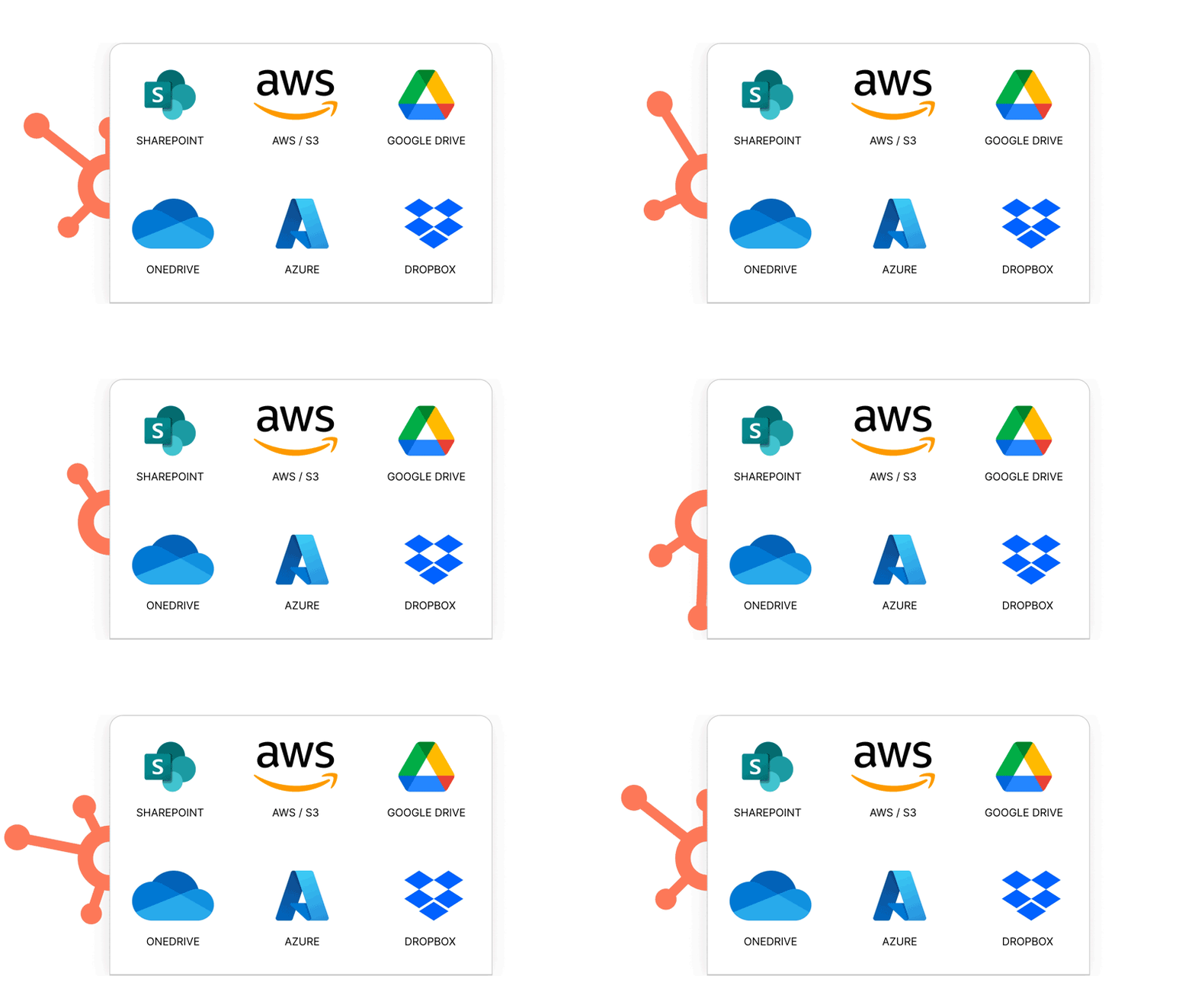
The App Card and Sidebar Widget connect HubSpot records to external storage.
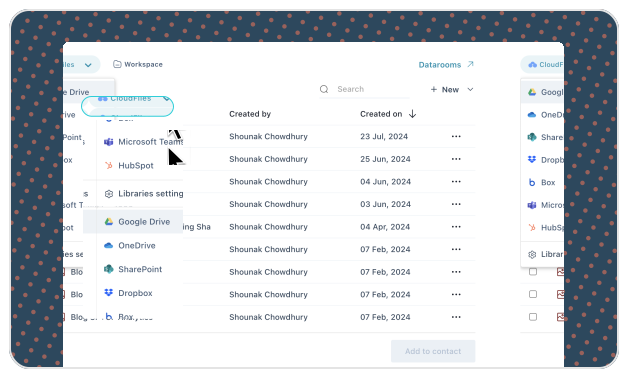
Centralizes access to connected storage inside HubSpot, with real-time sync and permission handling.
Workflow actions handle document tasks inside HubSpot workflows, in sync with CRM activity.
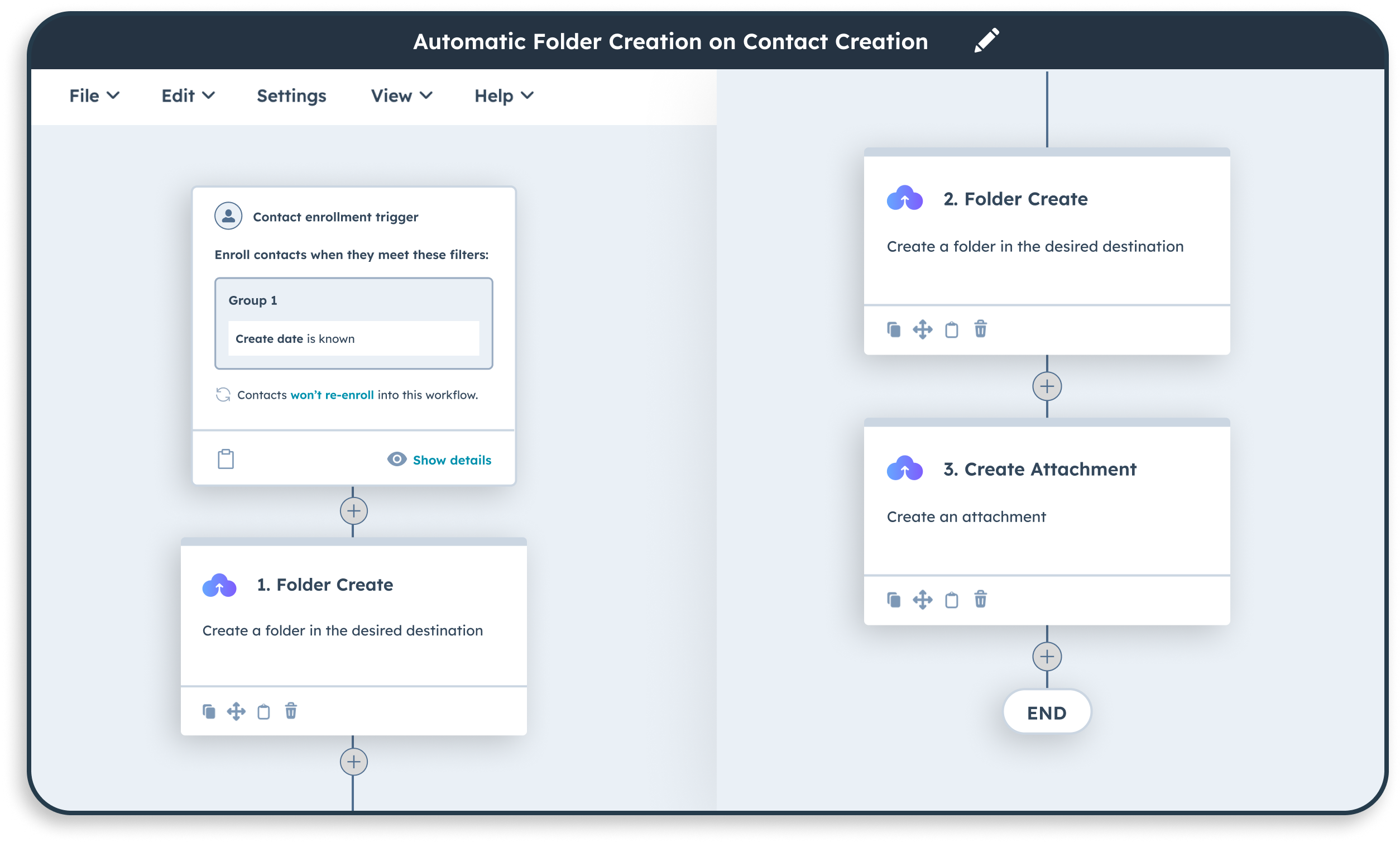
Install CloudFiles from the HubSpot Marketplace and connect Google Drive, SharePoint, OneDrive, Dropbox, or Microsoft Teams from Integrations. Files stay in your own storage.
Add the App Card to your record pages, set conflict rules per integration, and use workflow actions so every record files and links documents automatically.
Browse, preview, and manage files from the record or the Content Library, and share externally through secure, trackable links.

Best for teams already on Google Workspace.

Best for enterprise file control within the Microsoft ecosystem.

Best for teams standardized on Microsoft 365.
You don't have to figure it out alone. Book a 30-minute session and we'll walk through what matters for your setup.
CloudFilesNot supported
Varies by vendor
Natively, from one Integrations screen
Stored in HubSpot
Often copied or cached
Never copied into your CRM
Manual
Varies
Automated via workflow actions
Native
Often middleware
App Card + Sidebar Widget on the record
Basic links
Limited
Tracked links with expiry & analytics
Not supported
Varies
By design
Automates HubSpot folder creation, deal folder sharing, and file routing from HubSpot forms.
Collects documents securely through selective portals, client upload spaces, and approval workflows.
See more ways CloudFiles shares, tracks, and manages documents across teams and clients.
A 2-minute guide to setting up the CloudFiles HubSpot integration.
Help articles to get started with common use cases fast.
Detailed articles showing how industry leaders use CloudFiles.
Manage documents by role, right from the records your team already works in.
Auto-create and share deal folders, and automate folder and file operations tied to every deal, so proposals and supporting files stay organized without manual filing.
Maintain a central library for all shared collateral, with multiple trackable links per asset, so marketing teams always share the current version.
Request and collect files from customers directly through HubSpot, and transfer every upload automatically to your connected cloud storage.
CloudFiles is independently audited for SOC 2 Type II, certified to ISO 27001, and compliant with HIPAA and GDPR. Data residency is supported in the US, EU, UK, and AU. Your files stay in your own storage, CloudFiles never re-hosts them, and are not used to train our AI models.




Don't just take our word for it, take theirs.
CloudFiles is the best document tool for HubSpot! It's intuitive, provides deep viewing analytics, and outperforms HubSpot's native file tools with precise tracking.
CloudFiles makes content gating seamless! Easy-to-use multiple URLs for tracking, deep HubSpot integration, and a super responsive support team make it a must-have tool!
Essential for recruiters! CloudFiles transforms CV sharing in HubSpot with trackable links instead of attachments, making client interactions seamless and efficient. A game-changer for recruitment!
CloudFiles is perfect for sales! Finally, a document control tool that works flawlessly in HubSpot. The ability to turn off downloads is a game-changer!
Best document tool for HubSpot! Easy to use, great analytics, and password-protected sharing. CloudFiles simplifies document management and tracking effortlessly.
CloudFiles delivers precise file tracking! HubSpot integration helps us capture views, and the insights we get are invaluable for understanding audience engagement.
CloudFiles revolutionized our file sharing with partners and investors! Eliminated access issues, seamless integration with HubSpot, and powerful engagement analytics.
Best HubSpot-SharePoint integration! CloudFiles automates file management seamlessly. Super responsive team, fast bug fixes, and smooth workflow automation. Tried others, this is by far the best!
CloudFiles fits right into our HubSpot workflows! Every file view automatically updates the contact's timeline, so our team always knows when to follow up. Simple to set up, and the support has been fantastic.
Document management in HubSpot means organizing, storing, and controlling files linked to HubSpot records, such as contacts, deals, companies, or any custom object. CloudFiles extends this by connecting external cloud storage directly to HubSpot, so files stay associated with the right record without leaving the CRM.
CloudFiles connects Google Drive, SharePoint, and OneDrive to HubSpot, auto-creates and associates folders per record, and centralizes files in a searchable content library. This lets teams manage documents at scale without adding manual filing work.
No. CloudFiles works alongside them. Files uploaded through HubSpot's native tools stay where they are; CloudFiles adds a layer on top that connects external cloud storage to HubSpot records, so teams aren't limited to what's stored natively in HubSpot.
CloudFiles connects Google Drive, SharePoint, OneDrive, Dropbox, and Microsoft Teams to HubSpot from a single Integrations screen inside the app.
CloudFiles applies a conflict behavior you set per integration: rename (adds a numeric suffix), replace (overwrites the existing file), no-op (keeps the existing file), or fail (stops the action and returns an error).
Yes. The Create Folder workflow action creates a folder in your connected storage, named after the deal, contact, or any record property, whenever a workflow triggers it, so every record has a corresponding folder without manual setup.
Yes. CloudFiles automates document workflows using actions like Create Folder, Create Attachment, Move Resource, and Update Resource, triggered from HubSpot workflows without requiring code.
CloudFiles respects existing storage permissions by design, so access controls set in Google Drive, SharePoint, or OneDrive carry over automatically when files are managed from HubSpot.
Yes. CloudFiles supports centralized document collection through selective client portals, upload spaces, compliance controls, and approval workflows, so incoming files are organized without manual intake.
You're one click away from smarter documents. Join 500+ teams using CloudFiles to streamline workflows and cut document chaos.
We use cookies to run this site, understand how it is used, and measure our marketing. You choose what we may use. Read our Cookie Policy.
Choose which categories we may use. You can change this any time from “Cookie preferences” in the footer.
Required for the site to work — page delivery, security and bot protection on our forms (Cloudflare Turnstile), and remembering this cookie choice. These never store marketing identifiers and cannot be switched off.
Helps us understand which pages are useful, so we can improve them. Google Analytics 4 and Google Tag Manager (Google Ireland Ltd).
Powers our live chat so you can talk to us and we can keep your conversation history. Gist (Gist Applications Inc). You can always start a chat without this — we load it only when you click.
Lets us measure our advertising and reach people who have shown interest in CloudFiles. LinkedIn Insight Tag (LinkedIn Ireland), Google Ads (Google Ireland Ltd), and — outside the EEA/UK — ZoomInfo WebSights (ZoomInfo Technologies LLC).