
CloudFiles for healthcare
Referrals, authorizations and EOBs reach healthcare teams as faxes, scans and uploads, apart from the Salesforce records they belong to. CloudFiles files and checks each document on its record, then routes it or produces the next one.



















From loose healthcare documents to records that act on them
Healthcare runs on documents that decide when a patient is seen and when a claim is paid. CloudFiles files each one on its Salesforce record and checks what it holds. Then CloudFiles routes the document to the next step or produces the reply.
The manual way
- In hospitals, medical staff coordinators chase each state medical license, DEA registration and board certificate by email. Nobody can see which credential a new physician still owes.
- In physician practices, referral coordinators email each referral packet to the specialist as attachments, then call to ask whether it was opened while the referral sits open.
- In behavioral health, intake specialists open each returned release to confirm a signature and the client's name. An unsigned release found late can move the first session.
- In home health and hospice, intake coordinators open each returned plan of care and physician order to check the signature. An unsigned order can hold payment at billing.
- In dental and vision practices, treatment coordinators print each treatment plan estimate for signing at the front desk. A second signer can mean a second trip.
- In health plans, intake coordinators retype the member and each requested service from every faxed prior authorization form into a care request. Urgent requests can wait.
- In medical billing, billers sort each scanned batch of payer mail by hand. A denial letter can sit unnoticed in the EOB pile until its appeal window closes.
The CloudFiles way
- The healthcare provider record shows which credential is still missing. Each one arrives through its own upload request and ticks its item on the credentialing checklist.
- Referral coordinators see on the clinical service request when the specialist opened the packet. It is shared by one secure link and every view is recorded there.
- First sessions start with the release in place. Each returned release is checked for a signature, and its printed signer name is compared with the client's before booking.
- Unsigned orders are flagged before billing. Every scanned plan of care and physician order is checked for a signature and the result lands on the clinical service request.
- A second signer no longer needs a second trip. Each estimate is built from the Salesforce quote and sent for e-signature to the patient, then the responsible party.
- Prior authorization review starts from a ready record. Each faxed form becomes a care request with a line per service, and a coordinator approves the values first.
- Every denial opens its own case with its reason and claim number. Each mailroom scan is split into letters that are classified and filed as they arrive.
Tailored for every healthcare sector
Dedicated pages for every corner of healthcare, from hospitals and health systems to revenue cycle management and medical billing.
Hospitals & health systems
Referral packets, credentialing files and discharge packets, each filed on the record it belongs to.
Physician practices & medical groups
Outbound referrals, returned consult notes and new patient intake forms, kept with each patient from referral to follow-up.
Behavioral & mental health providers
Signed releases, consent scope forms and intake packets, held with each client and opened only by that client's care team.
Home health & hospice agencies
Referral packets, signed physician orders and plans of care, tracked for every patient through each certification period.
Dental & vision practices
X-rays, treatment plan estimates and predetermination packets, kept in the practice's own storage for every patient.
Health plans & payers
Faxed prior authorization requests, determination letters and appeal filings, each tied to the member and its care request.
Revenue cycle management & medical billing
EOBs and denial letters split out of the mailroom scan and filed on their records, plus appeal packets built from each denial case.
Healthcare paperwork handled without leaving Salesforce
No second system for staff to learn
Intake coordinators, care managers and billing staff work from the patient or member record in Salesforce. They open, check and share documents there, never in a separate portal.
Your Salesforce admin owns the process
Intake, referral and authorization steps are built in Salesforce Flow. Your Salesforce admin adjusts them when a payer or a form changes, with no developer needed.
Staff approve before records change
Document AI results can wait for a staff member to approve them before the patient or member record is updated. Every run is logged on its own run record in Salesforce.
Works from scans and photos
The document mapper fills Salesforce records from scanned PDFs and phone photos of insurance cards. Staff confirm the values instead of typing them in.
One vendor review, not three
Document Management & Sharing, Document AI and Document Generation come in one AppExchange package. Your privacy officer and security team assess a single vendor.
One org for every care setting
Clinics, home health and member services each run their own intake steps. Their folder structures and letter templates sit side by side in one Salesforce org.
Healthcare documents filed, checked and produced in Salesforce
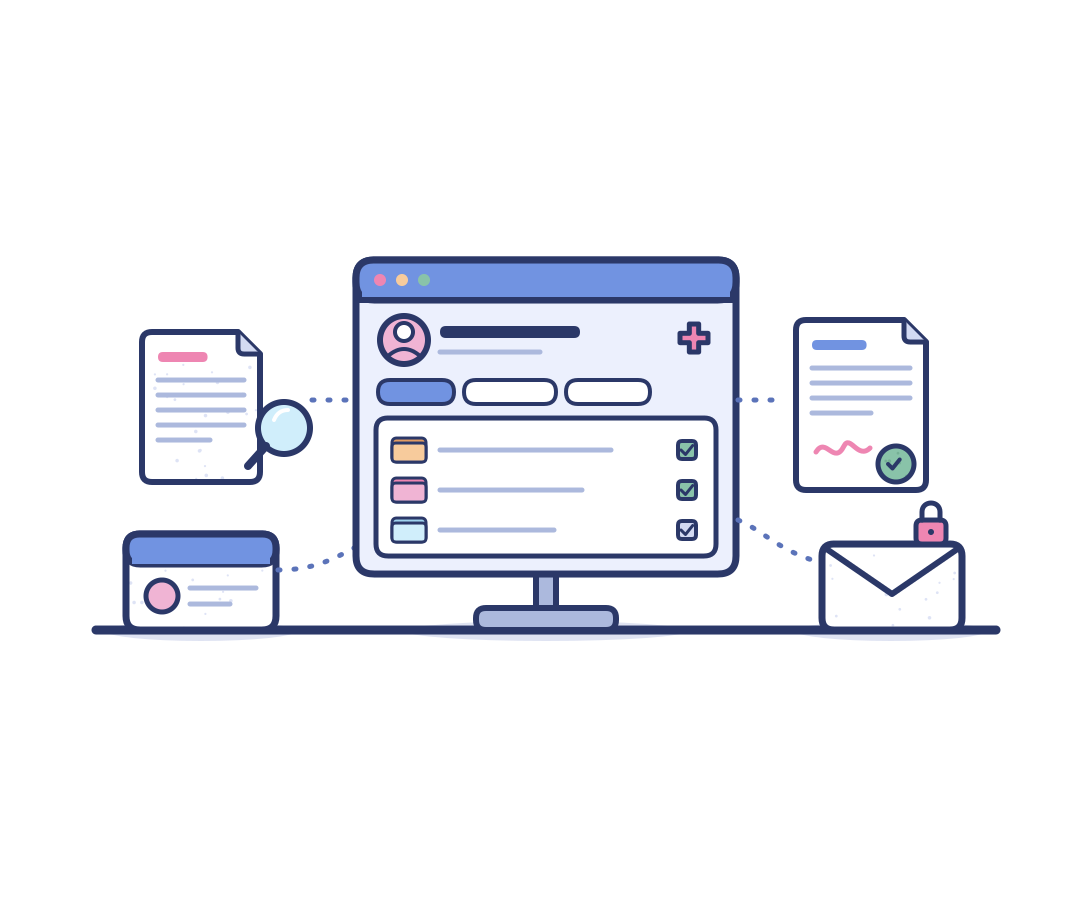
Three products share one place inside Salesforce. A referral, intake form or payer letter is kept in your own storage and checked for what it holds. The next document is then produced on the same patient or member record.
Document Management & Sharing
A folder is created for each patient, provider, referral and case moments after its record is saved. Access follows the Salesforce record, and SharePoint and Google Drive also apply their own permissions. Share links can expire and log each view. Files stay in SharePoint, Google Drive, Azure Blob or Amazon S3.
Document AI
Handles each document from arrival to action. Document AI classifies referrals, insurance cards and EOBs, splits combined PDFs and matches each file to its patient or member. Signature and missing item checks then update Salesforce, with a staff member approving first wherever you choose.
Document Generation
Produces referral letters, treatment estimates and appeal letters from current Salesforce data, for one patient or a whole list. Templates can be Word or PDF files, as well as PowerPoint and Excel. Supporting files merge into one PDF packet, which can go out for e-signature.
Built to work alongside Salesforce Health Cloud
Health Cloud gives your teams a full view of each patient and member, from care plans to referrals and authorizations. CloudFiles installs from AppExchange as a managed package and runs from record pages and Salesforce Flow. CloudFiles runs on any standard or custom object, including Health Cloud's, and adds the document work without replacing your data model.
Stay industry compliant
CloudFiles is independently audited for SOC 2 Type II, certified to ISO 27001, and compliant with HIPAA and GDPR. Data residency is supported in the US, EU, UK and AU. Your files stay in your own storage. CloudFiles never re-hosts them, and they are not used to train our AI models.



Frequently asked questions
CloudFiles adds a folder for every patient, member and claim record in your own storage, created moments after each record is saved. Secure upload links collect documents without a login, and a flow marks each document checklist item received as its file arrives. Care coordinators then open every referral, insurance card and letter from the record they already work in.
Yes. CloudFiles pulls patient, service and insurance details from scanned PDF referrals, intake forms and insurance card photos into Salesforce records. A reviewer can approve the values before anything is written. Each value then lands on the patient, referral or member plan it belongs to.
CloudFiles turns each faxed prior authorization form, saved as a PDF, into a Health Cloud care request. Each requested service on the form becomes its own care request item. CloudFiles then classifies each clinical document against the list for the request type, so the document attachment status shows complete or incomplete.
Yes. CloudFiles creates an upload request for each form, and a flow emails the patient or referring provider one secure link to all of them, with no sign-in needed. Patients on your Experience Cloud site can upload there instead. Every file goes into that patient's folder rather than travelling as an email attachment.
Yes. CloudFiles connects Salesforce to SharePoint, Google Drive, Azure Blob, Amazon S3 and other storage your organization runs. Staff open patient documents from the Salesforce record they belong to. In SharePoint, per-person access can follow a Salesforce team, granted on join and revoked on leave.
Yes. CloudFiles generates referral letters, appeal letters and patient statements from templates filled with current Health Cloud data. Staff create one document from a single record, or a flow runs a batch for every record in a list. Each run uses the latest version of the template.
Yes. CloudFiles turns each EOB into one remittance record on your own object, with a child record for every claim line. A payment poster approves each run before the lines are posted. Health Cloud has no remittance or claim line objects in its core model.
Yes. CloudFiles is independently audited for SOC 2 Type II, certified to ISO 27001:2022, ISO 27017:2026 and ISO 27018:2025, and compliant with HIPAA and GDPR. Ask your CloudFiles account team about the agreements your organization needs before patient documents move through CloudFiles.
No. CloudFiles adds a document layer on top of Health Cloud, leaving the Health Cloud data model and your clinical systems unchanged. Your Salesforce admin installs the CloudFiles managed package and builds each document step in Salesforce Flow. The CloudFiles widget then sits on the record pages staff already use.
See CloudFiles run your patient paperwork
Send a sample referral packet, intake form or EOB with patient details removed, and watch it reach the right Salesforce record in the demo.