
Freelance contract template
Most freelance disputes are scope disputes. This template puts the work, the deadlines, the rate and the ownership of the finished output in writing before anyone starts, so the answer to "was that included?" already exists.
Who uses this template
Freelancers and independent contractors
You want a contract you can send to a client that protects payment terms without needing a lawyer for every engagement.
Small businesses hiring freelancers
You are bringing in outside help and want scope, deadlines and ownership of the work settled up front.
Agencies working with subcontractors
You need consistent terms across the freelancers you engage, particularly on confidentiality and IP.
What the template covers
Every section below is already drafted in the document, with placeholders marking the details you need to fill in.
Scope of work
What is being delivered, in enough detail that additional requests are recognisable as additional requests.
Timeline and milestones
Delivery dates, review points, and what happens to the schedule when feedback is late.
Fees and payment terms
The rate or project fee, invoicing schedule, payment window and any deposit taken before work starts.
Ownership of the work
Who owns the finished deliverables, and at what point ownership transfers — commonly on final payment.
Revisions
How many rounds of changes are included, and how further revisions are charged.
Confidentiality and termination
How each side handles the other's information, and how either party can end the engagement.
Download the freelance contract template
An editable Word document you can drop your own details into, or a print-ready PDF. Both free — no form, no email address required.
Generate this document from your CRM
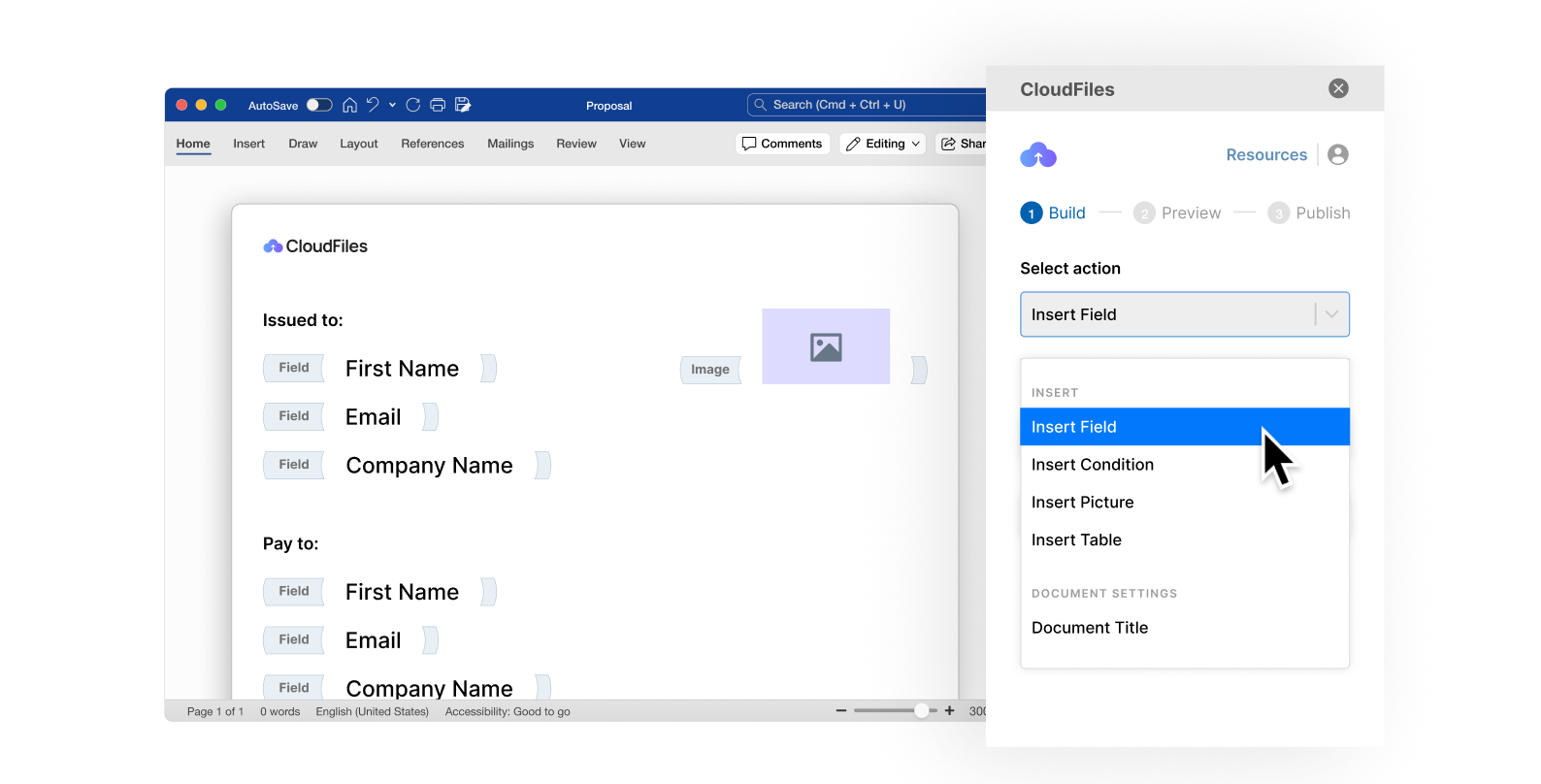
A template still means someone opens a file and retypes the names, dates and figures for every new agreement. CloudFiles Document Generation produces the finished document from a Salesforce or HubSpot record — the same structure, populated with real data, generated in seconds and filed straight back against the record it came from.
Frequently asked questions
The template ties transfer of ownership to full payment, which is the common arrangement for freelance work — the client receives the deliverables, and formal ownership passes once the invoice is settled. You can change this, but decide it explicitly rather than leaving it unstated.
Yes. The termination clause provides for payment of work completed up to the point of cancellation, which is the protection freelancers most often find missing from an informal arrangement.
It is written for project work with a defined scope and end. For an ongoing retainer you would keep the confidentiality, IP and payment clauses and replace the scope and timeline sections with the monthly commitment and notice period.
Yes — download the Word (.docx) version and edit it like any other document. Placeholders mark every detail you need to replace. The PDF is there when you just want to read, print or send it as-is.
No. It is a general drafting starting point and has not been reviewed for your jurisdiction or your circumstances. Contract law varies considerably between countries and states, so have a qualified lawyer review any agreement before you rely on it.
No. Both download links on this page go straight to the file — there is no form and no sign-up.
Generate your documents from your CRM
See how teams turn documents like this one into automated output produced straight from Salesforce or HubSpot records.