
Digital marketing proposal template
Digital work gets judged on numbers, so the proposal has to commit to some. This template structures the pitch channel by channel, with the metrics you will report against and the budget split across each one.
Who uses this template
Digital agencies
You are pitching a multi-channel engagement and need channel strategy, budget split and reporting laid out.
Performance marketing consultants
You want KPIs and measurement defined before the engagement starts, not negotiated after the first report.
Growth and demand generation teams
You are proposing spend internally and need the allocation and expected return set out.
What the template covers
Every section below is already drafted in the document, with placeholders marking the details you need to fill in.
Situation and audit
Where the client is now — current channels, performance and the gaps you have identified.
Channel strategy
The approach for each channel: search, social, paid, email and content, with the rationale for the mix.
KPIs and measurement
The metrics you will be judged on, how they are tracked, and the reporting cadence.
Budget allocation
How spend is divided across channels, separating media budget from fees.
Timeline and phases
What happens in the first weeks versus the ongoing programme.
Pricing and terms
Your fees, the payment schedule and the term of the engagement.
Download the digital marketing proposal template
An editable Word document you can drop your own details into, or a print-ready PDF. Both free — no form, no email address required.
Generate this document from your CRM
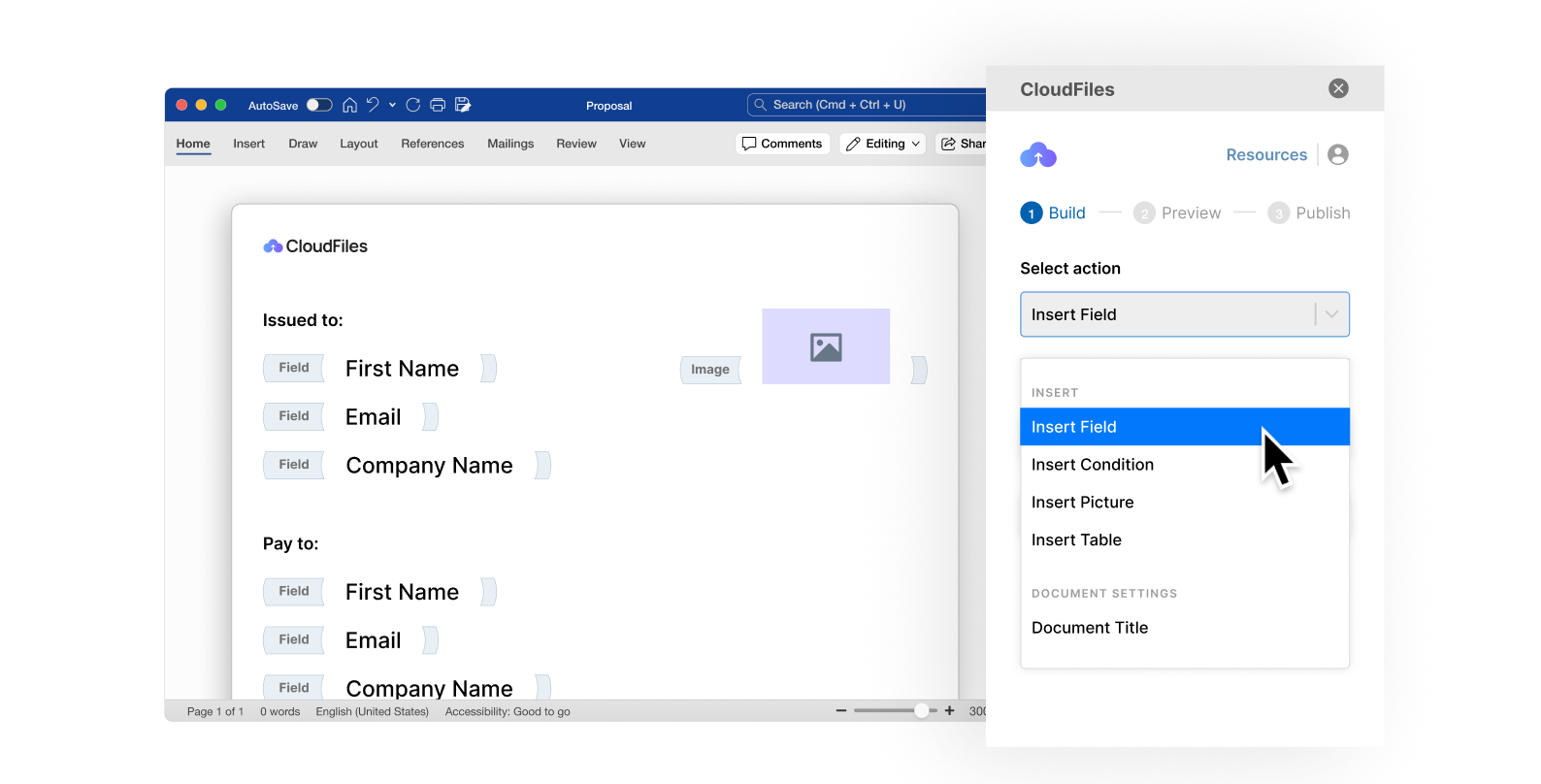
A template still means someone opens a file and retypes the names, dates and figures for every new proposal. CloudFiles Document Generation produces the finished document from a Salesforce or HubSpot record — the same structure, populated with real data, generated in seconds and filed straight back against the record it came from.
Frequently asked questions
Specific enough to be meaningful, with the basis stated. Committing to a number without stating the assumptions behind it is how engagements sour in month three. The template gives you room to record both the target and what it depends on.
Yes, and the budget section separates them. Clients need to see what goes to platforms versus what goes to you — blending them into one figure invites exactly the question you do not want asked halfway through.
Yes. Keep the channel you are proposing and drop the rest. The measurement, budget and reporting sections are useful regardless of how many channels are in scope.
Yes — download the Word (.docx) version and edit it like any other document. Placeholders mark every detail you need to replace. The PDF is there when you just want to read, print or send it as-is.
No. It is a general drafting starting point and has not been reviewed for your jurisdiction or your circumstances. If the proposal will form part of a binding contract once accepted, have the terms reviewed before you send it.
No. Both download links on this page go straight to the file — there is no form and no sign-up.
Generate your documents from your CRM
See how teams turn documents like this one into automated output produced straight from Salesforce or HubSpot records.