
Joint venture agreement template
Two businesses collaborating on something neither owns outright. This template records what each side contributes, how decisions get made, how profits are divided, and — the clause everyone skips and later needs — how the venture is unwound.
Who uses this template
Businesses entering a partnership
You are combining resources on a specific project or market and want the split settled before revenue arrives.
Co-founders of a new venture
You are starting something jointly and need contributions and ownership recorded while the relationship is still easy.
Companies collaborating on a project
You are working together on a defined opportunity and want governance and IP terms clear from the outset.
What the template covers
Every section below is already drafted in the document, with placeholders marking the details you need to fill in.
Purpose and scope
What the venture exists to do, and what falls outside it — so neither party's core business is accidentally captured.
Contributions
What each party puts in: capital, people, equipment, intellectual property or customer access.
Ownership and profit sharing
The ownership split, how profits and losses are allocated, and when distributions are made.
Governance and decisions
How the venture is managed, who decides what, and which matters need unanimous agreement.
Intellectual property
Who owns IP brought into the venture, and who owns what the venture creates.
Term, exit and dissolution
How long it runs, how a party can leave, and how assets are divided if it ends.
Download the joint venture agreement template
An editable Word document you can drop your own details into, or a print-ready PDF. Both free — no form, no email address required.
Generate this document from your CRM
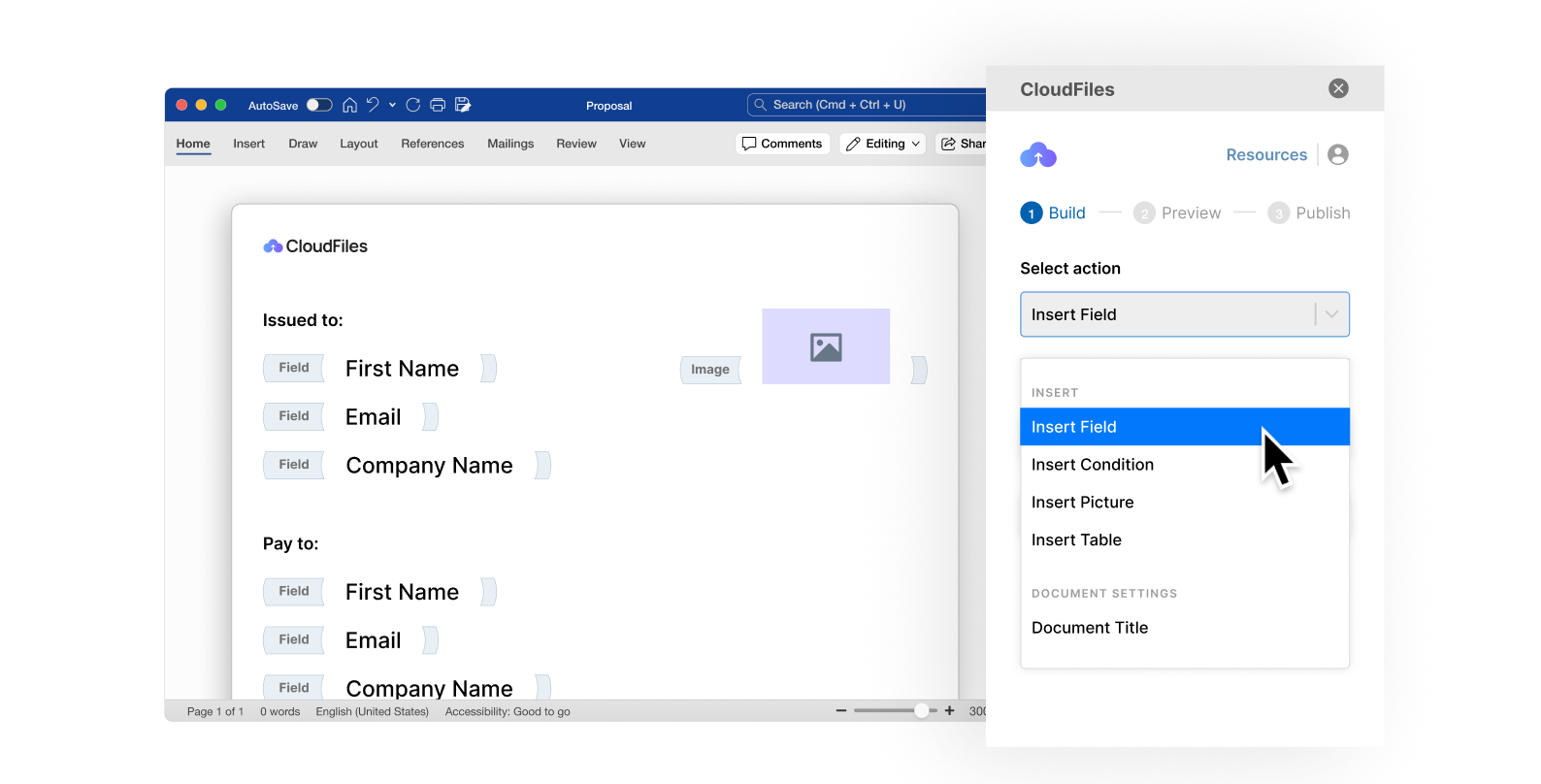
A template still means someone opens a file and retypes the names, dates and figures for every new agreement. CloudFiles Document Generation produces the finished document from a Salesforce or HubSpot record — the same structure, populated with real data, generated in seconds and filed straight back against the record it came from.
Frequently asked questions
A joint venture is normally limited to a specific project or purpose, while a partnership tends to be a broader, ongoing business relationship. The distinction matters legally in some jurisdictions, including for liability — worth confirming locally before you rely on the label.
The governance section covers decision-making and identifies matters requiring agreement from both sides. Deadlock between two equal partners is the classic failure mode, so it is worth deciding in advance how you would break one.
Not by itself. This is a contractual joint venture — the parties agree how they will work together. If you intend to form a separate company to hold the venture, that incorporation is a separate step this document does not perform.
Yes — download the Word (.docx) version and edit it like any other document. Placeholders mark every detail you need to replace. The PDF is there when you just want to read, print or send it as-is.
No. It is a general drafting starting point and has not been reviewed for your jurisdiction or your circumstances. Contract law varies considerably between countries and states, so have a qualified lawyer review any agreement before you rely on it.
No. Both download links on this page go straight to the file — there is no form and no sign-up.
Generate your documents from your CRM
See how teams turn documents like this one into automated output produced straight from Salesforce or HubSpot records.