
CloudFiles for Salesforce
Document Management Pricing
Store, organize, and access all your documents directly inside Salesforce.
Everything included, licensed per org or per user, with hands-on onboarding and support from our team
- Two-way sync
- Folder structure
- Document sharing
- Automations
- Experience Cloud
Core Document Management
- Two-way syncKeep files in sync both ways between Salesforce and your connected cloud storage.
- Folder structureAuto-generate and customize folder hierarchies for any Salesforce record.
- Custom objectsAttach and manage files on standard and custom Salesforce objects.
- File operationsUpload, download, rename, move, and delete files without leaving Salesforce.
- InternationalizationLocalized interface and multi-language support for global teams.
Collaboration & Sharing
- CollaborationWork on files together with your team directly from the record.
- Custom permissionsGranular, role-based access controls over files and folders.
- Document sharingShare files internally and externally with trackable, secure links.
- Mobile supportFull document access from the Salesforce mobile app.
Enterprise Support & Trust
- Trust PortalSelf-serve access to security, compliance, and audit documentation.
- Account ManagerA dedicated account manager for onboarding and ongoing success.
- MigrationsAssisted migration of existing files and folders into CloudFiles.
- ImplementationHands-on implementation support to configure CloudFiles for your org.
- ProcurementCustom procurement, invoicing, and security-review support.
- Org-based pricingFlexible pricing scoped to your whole Salesforce org.
Automation & Extensibility
- AutomationsTrigger file actions automatically from Salesforce flows and events.
- Apex customizationExtend and customize CloudFiles with Apex.
- Experience CloudSurface CloudFiles documents in Experience Cloud sites.
Powerful on their own. Better together.
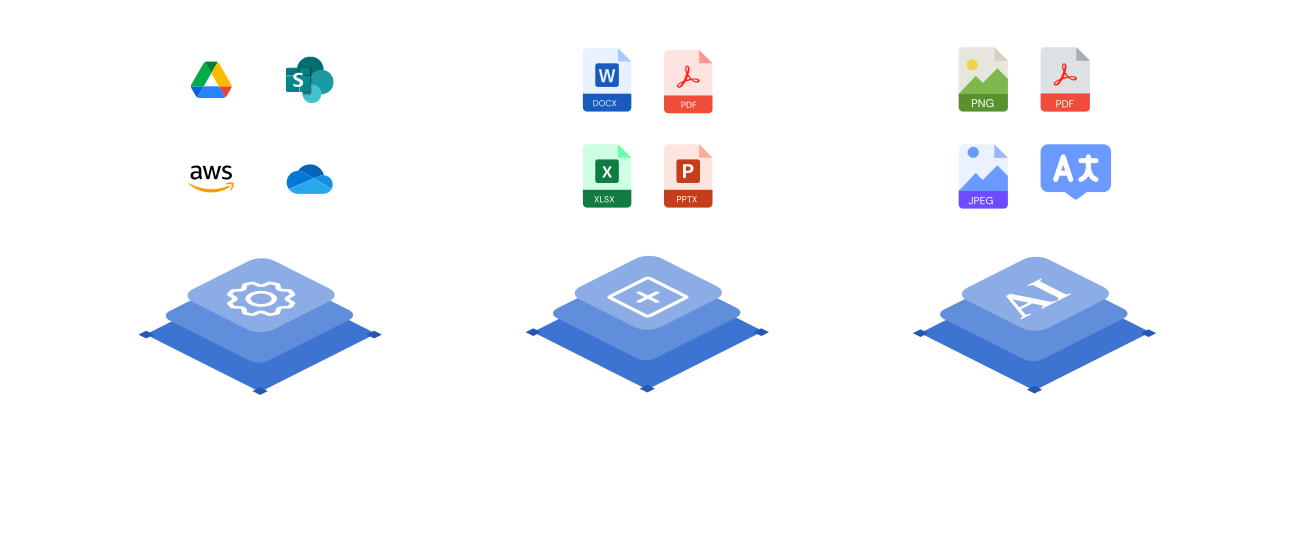
Document Management keeps every file organized on the Salesforce record. Add Document Generation, Document Sharing, and Document AI on the same native platform and your documents create, send, and act on themselves — one connected layer instead of four disconnected tools.
Frequently asked questions
Document Management gives you two-way sync between Salesforce and your cloud storage, auto-generated folder structures on any standard or custom object, full file operations, granular role-based permissions, and mobile access — all native to Salesforce.
CloudFiles connects to SharePoint, Google Drive, OneDrive, Amazon S3, Dropbox, and Box. You can connect multiple providers at once and manage them all from within Salesforce — no switching between tools.
With CloudFiles' Mirror Drive architecture your files stay in your own connected cloud storage and are surfaced on the Salesforce record — nothing is copied or re-uploaded, and your existing storage permissions are always respected.
CloudFiles uses org-based Enterprise pricing scoped to your whole Salesforce org, so cost doesn't scale awkwardly with every seat. Talk to sales and we'll map a plan to your team, with custom procurement, invoicing, and security-review support included.
Security and compliance are built into CloudFiles from the ground up: your data is encrypted in transit and at rest, access is governed by granular role-based permissions, and with Mirror Drive your files stay in your own connected cloud storage. Our self-serve Trust Portal has the current details on our security and compliance program.