
CloudFiles for Salesforce
Document Sharing Pricing
Share files securely with trackable links, set granular access controls, and see exactly when documents are viewed — all without leaving Salesforce.
Document Sharing runs on top of Document Management, so you'll need an active subscription to use it.
Everything included, licensed per org or per user, with hands-on onboarding and support from our team
- Document sharing
- Custom permissions
- Analytics
- Datarooms
Core Document Sharing
- File & folder sharingCreate shareable links for files and folders of any type or size.
- Link settingsTake a link offline any time, or set it to expire based on views or time.
- Access controlDisable downloads, password-protect links, add an email wall, or restrict access to specific emails and domains.
- Live updatesUpdate a link's contents, or replace the document entirely — the same link always serves the latest version.
- Custom permissionsControl who can share and access files using Salesforce permission sets.
- Mobile supportFull support for sharing and access from the Salesforce mobile app.
- InternationalizationLocalized interface and multi-language support for global teams.
Engagement & Analytics
- AnalyticsSee who's viewing your content, how long they spend on it, and how they move through each page.
- Unique viewersUnlimited unique viewers tracked per link.
- Reports & dashboardsTurn CloudFiles analytics events into custom objects, then build standard Salesforce reports and dashboards on top.
- File subscriptionsLet users subscribe to a file and get notified automatically when it changes.
- Request filesSend customers a file-upload link and auto-route what they upload to the right record or folder with flows.
Datarooms & Storage
- DataroomsShare a curated collection of files from multiple folders as an authenticated, branded document portal with its own analytics.
- Datarooms includedCustom number of datarooms per license.
- External storageKeep files in your own storage — SharePoint, OneDrive, Amazon S3, Google Drive, Box, or Dropbox.
- Custom domain & brandingServe shared links on your own subdomain and replace the CloudFiles logo with your own.
- Transfer volumeCustom transfer volume per license, per month.
Automation & Extensibility
- AutomationsTrigger sharing actions — create a link, update its settings, log analytics events — from Salesforce flow builder or Apex.
- Automation creditsCustom automation credit allowance, consumed as automation actions run.
- ApexAutomate document-sharing workflows directly from Apex code.
- Experience CloudLet Experience Cloud community users share files using links.
- Community usersCustom number of included Experience Cloud community users.
Powerful on their own. Better together.
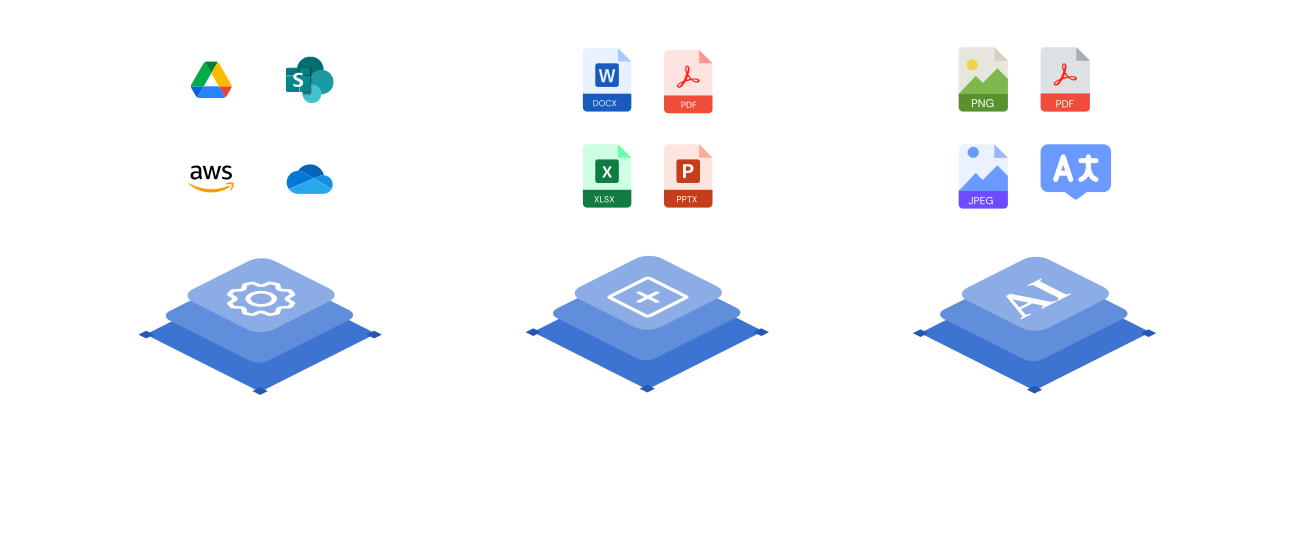
Document Sharing sends files with tracking and access controls on its own. Layer it with Document Management, Document Generation, and Document AI and everything you share is already organized, generated on-brand, and understood — one connected platform inside Salesforce.
Frequently asked questions
Yes. Document Sharing runs on top of Document Management, so you'll need an active Document Management subscription to use it.
Document Sharing creates trackable, secure links so you can see exactly when a document is viewed, set granular access controls over who can open it, and manage everything without leaving Salesforce.
CloudFiles connects to SharePoint, Google Drive, OneDrive, Amazon S3, Dropbox, and Box. You can connect multiple providers at once and manage them all from within Salesforce — no switching between tools.
CloudFiles uses org-based Enterprise pricing scoped to your whole Salesforce org, so cost doesn't scale awkwardly with every seat. Talk to sales and we'll map a plan to your team, with custom procurement, invoicing, and security-review support included.
Security and compliance are built into CloudFiles from the ground up: your data is encrypted in transit and at rest, access is governed by granular role-based permissions, and with Mirror Drive your files stay in your own connected cloud storage. Our self-serve Trust Portal has the current details on our security and compliance program.