
CloudFiles for Salesforce
Document Generation Pricing
Create polished, on-brand documents straight from your Salesforce data — no manual formatting required.
Everything included, licensed per org or per user, with hands-on onboarding and support from our team
- Multi-format templates (DOCX, XLSX, PPTX, PDF)
- Dynamic data layer
- Single & batch generation
- E-signature workflows
Template Design
- Multi-format templates (DOCX, XLSX, PPTX, PDF)
- Dynamic data layer
- Runtime logic & controls
- Template governance hub
- Internationalization
Generation & Delivery
- Single & batch generation
- Document merging
- E-signature workflows
- Mobile support
Enterprise Support & Trust
- Trust PortalSelf-serve access to security, compliance, and audit documentation.
- Account ManagerA dedicated account manager for onboarding and ongoing success.
- MigrationsAssisted migration of existing files and folders into CloudFiles.
- ImplementationHands-on implementation support to configure CloudFiles for your org.
- ProcurementCustom procurement, invoicing, and security-review support.
- Org-based pricingFlexible pricing scoped to your whole Salesforce org.
Automation & Extensibility
- Automations
- Apex customization
- Experience Cloud
Powerful on their own. Better together.
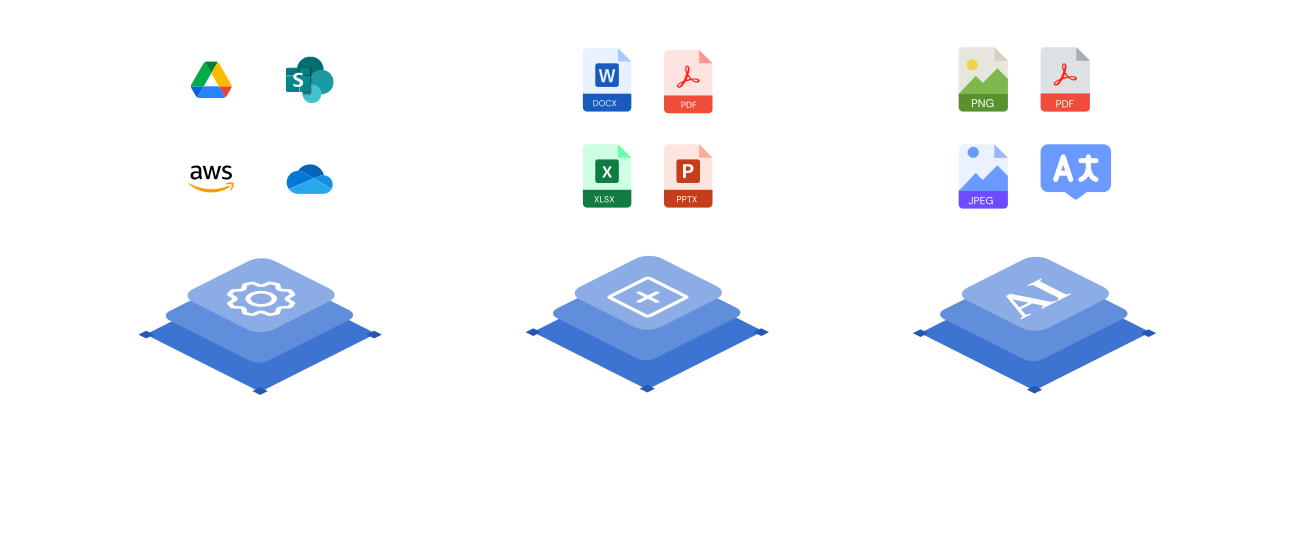
Document Generation turns Salesforce data into polished, on-brand documents on its own. Pair it with Document Management, Document Sharing, and Document AI and every proposal is stored, tracked, and understood automatically — all inside the same native platform.
Frequently asked questions
Yes. Document Generation merges Salesforce record data into on-brand DOCX, XLSX, PPTX, and PDF templates — single or in batch — so proposals, quotes, and contracts are produced automatically with no manual formatting.
Yes. Generated documents can flow straight into e-signature workflows, so a document goes from CRM data to signed agreement without leaving Salesforce.
It works on its own, but it's better together: pair it with Document Management and every generated file is stored and organized on the record automatically, and with Document Sharing each document is sent with tracking and access controls.
CloudFiles uses org-based Enterprise pricing scoped to your whole Salesforce org, so cost doesn't scale awkwardly with every seat. Talk to sales and we'll map a plan to your team, with custom procurement, invoicing, and security-review support included.
Security and compliance are built into CloudFiles from the ground up: your data is encrypted in transit and at rest, access is governed by granular role-based permissions, and with Mirror Drive your files stay in your own connected cloud storage. Our self-serve Trust Portal has the current details on our security and compliance program.