
CloudFiles for HubSpot
Explore the top feature-rich products tailored for your HubSpot CRM.
Document Management Pricing
Store, organize, and access all your documents directly inside HubSpot.
Business
Volume discount availableSelf serve plan for teams with standard cases and manual user needs
Enterprise
Volume discount availableFor companies which need advanced automations, dedicated support and custom procurement
| Features | Business | Enterprise |
|---|---|---|
| Two way syncKeep files in sync both ways between HubSpot and your connected cloud storage. | Included | Included |
| Custom Folder StructureAuto-generate and customize folder hierarchies for any HubSpot record. | Included | Included |
| Files widgetCreate Folders, Upload/Download/Rename/Delete Files & Folders. Search in file contents. Preview all file types. All without ever leaving HubSpot. | Included | Included |
| File & Folder OperationsUpload, download, rename, move, and delete files and folders without ever leaving HubSpot. | Included | Included |
| Custom Object SupportAttach and manage files on standard and custom HubSpot objects. | Not included | Included |
| CollaborationWork on files together with your team directly from any HubSpot record. | Included | Included |
| AutomationsTrigger file actions automatically from HubSpot workflows using CloudFiles actions, events, and properties. | Not included | Included |
| Automation CreditsUnits that measure CloudFiles workflow actions — one credit is used each time a workflow action runs, drawn from your monthly plan allowance. | Not included | 150/license/month |
| Knowledge Base AccessAccess CloudFiles help articles, quick starts, and tutorials to set up and get the most out of the integration. | Included | Included |
| Email & Chat SupportGet help from the CloudFiles team over email and chat. | Included | Included |
| Free ConsultationsComplimentary consultation sessions with our team to plan and optimize your document workflows. | Included | Included |
| Priority SupportFaster, prioritized support response times, scaled to your contract value. | Based on Contract Value | Based on Contract Value |
| Implementation SupportHands-on implementation support to configure CloudFiles for your team. | Not included | Min Contract Value |
| Trust PortalSelf-serve access to our security, compliance, and audit documentation. | Not included | Min Contract Value |
| ProcurementCustom procurement, invoicing, and security-review support. | Not included | Min Contract Value |
Powerful on their own. Better together.
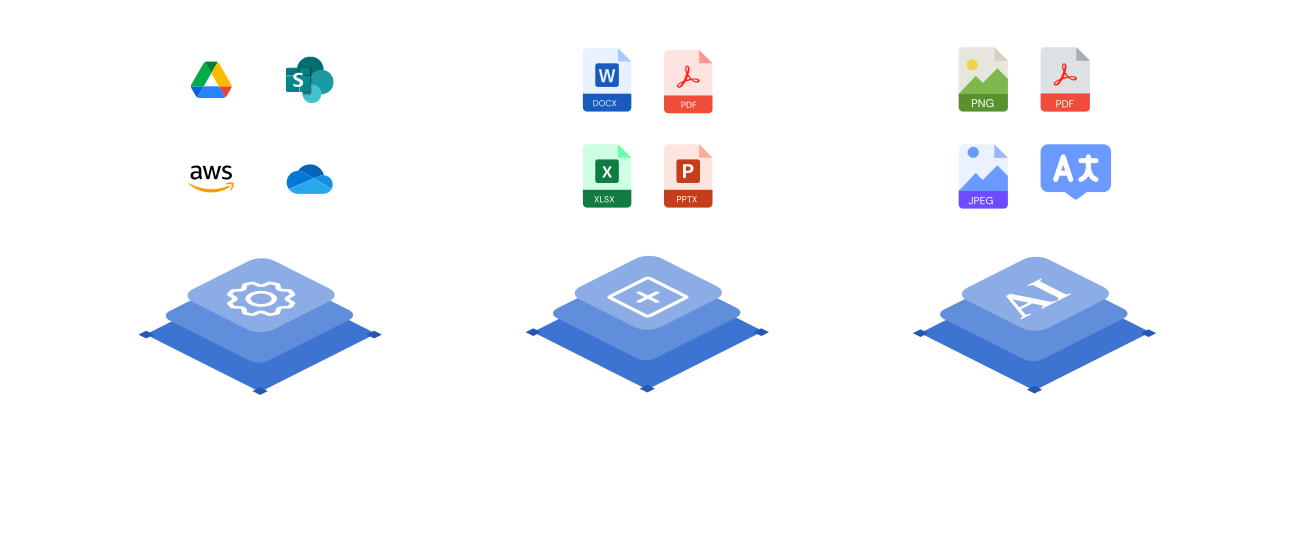
Document Management keeps every file organized on the HubSpot record. Add Document Generation and Document Sharing on the same native platform and your documents create, send, and track themselves — one connected layer instead of separate, disconnected tools.
Frequently asked questions
Document Management gives you two-way sync, custom folder structures, a files widget on the record, full file and folder operations, custom object support, collaboration, and automations — all native to HubSpot.
CloudFiles connects to SharePoint, Google Drive, OneDrive, Amazon S3, Dropbox, and Box. You can connect multiple providers at once and manage them all from within HubSpot — no switching between tools.
With CloudFiles' Mirror Drive architecture your files stay in your own connected cloud storage and are surfaced on the HubSpot record — nothing is copied or re-uploaded, and your existing storage permissions are always respected.
Document Management comes in Business and Enterprise plans. Enterprise adds priority support, implementation support, procurement, a Trust Portal, and higher automation credits. Talk to sales and we'll map the right plan to your team.
Security and compliance are built into CloudFiles from the ground up: your data is encrypted in transit and at rest, access is governed by granular role-based permissions, and with Mirror Drive your files stay in your own connected cloud storage. Our self-serve Trust Portal has the current details on our security and compliance program.