
CloudFiles for HubSpot
Explore the top feature-rich products tailored for your HubSpot CRM.
Document Sharing Pricing
Share files securely with trackable links, set granular access controls, and see exactly when documents are viewed — all without leaving Salesforce or HubSpot.
Business
Volume discount availableSelf serve plan for teams with standard cases and manual user needs
Enterprise
Volume discount availableFor companies which need advanced automations, dedicated support and custom procurement
| Features | Business | Enterprise |
|---|---|---|
| File & Folder SharingShare individual files, full folders, or multiple links per asset — all trackable. | Included | Included |
| Link SettingsSet link expiry by date or number of views, and toggle downloads, printing, and offline access. | Included | Included |
| Access ControlAdd passwords or restrict access using HubSpot lists or email, with soft or hard email gating. | Included | Included |
| Live UpdatesReplace a shared file and every existing link instantly serves the latest version. | Included | Included |
| File SubscriptionsLet viewers subscribe to a file and get notified whenever it is updated. | Included | Included |
| CloudFiles StorageStore and share files directly from CloudFiles' built-in storage — no external drive required. | Included | Included |
| External StorageConnect and share files from external drives like SharePoint, Google Drive, or AWS S3. | Not included | Not included |
| AnalyticsGet page-by-page analytics and document-level engagement metrics for every share. | Included | Included |
| Unique ViewsThe number of unique document viewers tracked each month per license. | 150/license/month | 250/license/month |
| DataroomsGroup files and folders into branded, trackable datarooms and sharing portals. | Included | Included |
| Request FilesCollect files from external users by letting them upload directly into a dataroom. | Included | Included |
| Number of dataroomsThe number of datarooms you can create each month per license. | 50/license/month | 100/license/month |
| AutomationsTrigger sharing actions from deal stages, form submissions, or custom HubSpot workflows. | Not included | Included |
| Automation CreditsUnits that measure CloudFiles workflow actions — one credit is used each time a workflow action runs, drawn from your monthly plan allowance. | Not included | 250/license/month |
| Custom DomainShare links and datarooms on your own custom domain. | Included | Included |
| Custom BrandingAdd your logo and brand styling to shared links and datarooms. | Not included | Included |
| HubSpot Cookie IntegrationAttribute document engagement to known contacts using HubSpot tracking cookies. | Not included | Included |
| Knowledge Base AccessAccess CloudFiles help articles, quick starts, and tutorials to set up and get the most out of the integration. | Included | Included |
| Email & Chat SupportGet help from the CloudFiles team over email and chat. | Included | Included |
| Free ConsultationsComplimentary consultation sessions with our team to plan and optimize your document workflows. | Included | Included |
| Priority SupportFaster, prioritized support response times, scaled to your contract value. | Based on Contract Value | Based on Contract Value |
| Implementation SupportHands-on implementation support to configure CloudFiles for your team. | Not included | Min Contract Value |
| Trust PortalSelf-serve access to our security, compliance, and audit documentation. | Not included | Min Contract Value |
| ProcurementCustom procurement, invoicing, and security-review support. | Not included | Min Contract Value |
Powerful on their own. Better together.
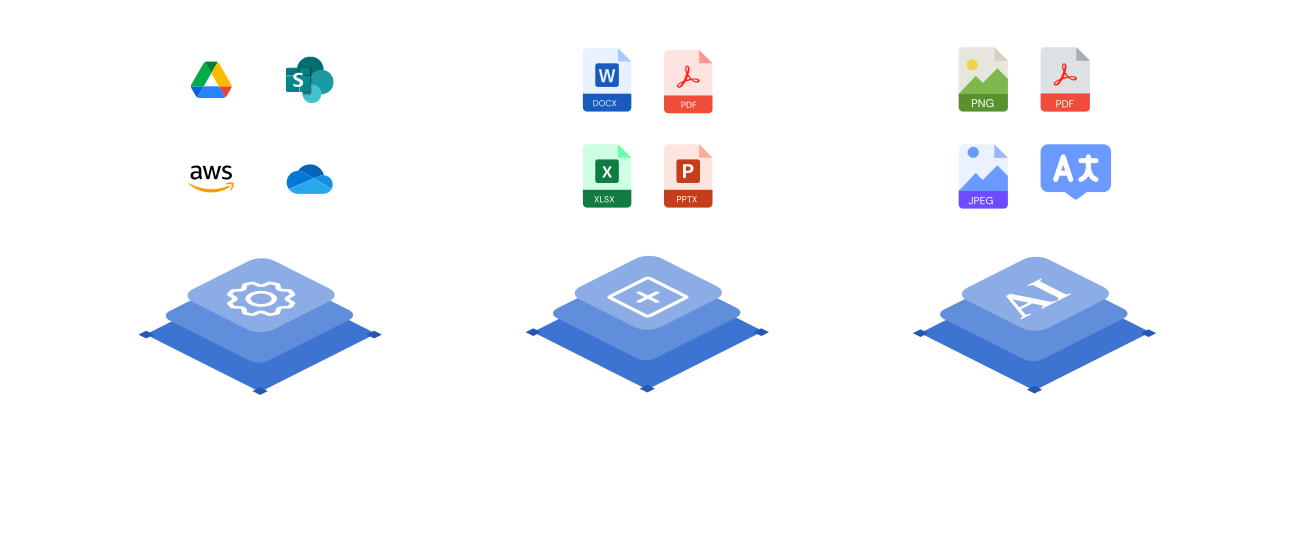
Document Sharing sends files with tracking and access controls on its own. Layer it with Document Management and Document Generation and everything you share is already organized and generated on-brand — one connected platform inside HubSpot.
Frequently asked questions
Document Sharing lets you share files and folders with configurable link settings and access controls, live-updating content, analytics on unique views, datarooms, file requests, and custom branding and domains — all from HubSpot.
Yes. You get analytics and unique-view tracking with live updates, and the HubSpot cookie integration ties document views back to the contact record so you know exactly who engaged.
You can share from CloudFiles Storage or from your own external cloud storage — SharePoint, Google Drive, OneDrive, Amazon S3, Dropbox, or Box — all managed inside HubSpot.
Document Sharing comes in Business and Enterprise plans. Enterprise adds custom domains and branding, more datarooms, priority and implementation support, and procurement. Talk to sales to map the right plan.
Security and compliance are built into CloudFiles from the ground up: your data is encrypted in transit and at rest, access is governed by granular role-based permissions, and with Mirror Drive your files stay in your own connected cloud storage. Our self-serve Trust Portal has the current details on our security and compliance program.