
CloudFiles for energy and utilities
Energy work runs on paperwork. One missing permit can hold up a new connection. One unsigned ticket can delay a field invoice. CloudFiles runs these documents inside Salesforce, so service and field teams keep moving.
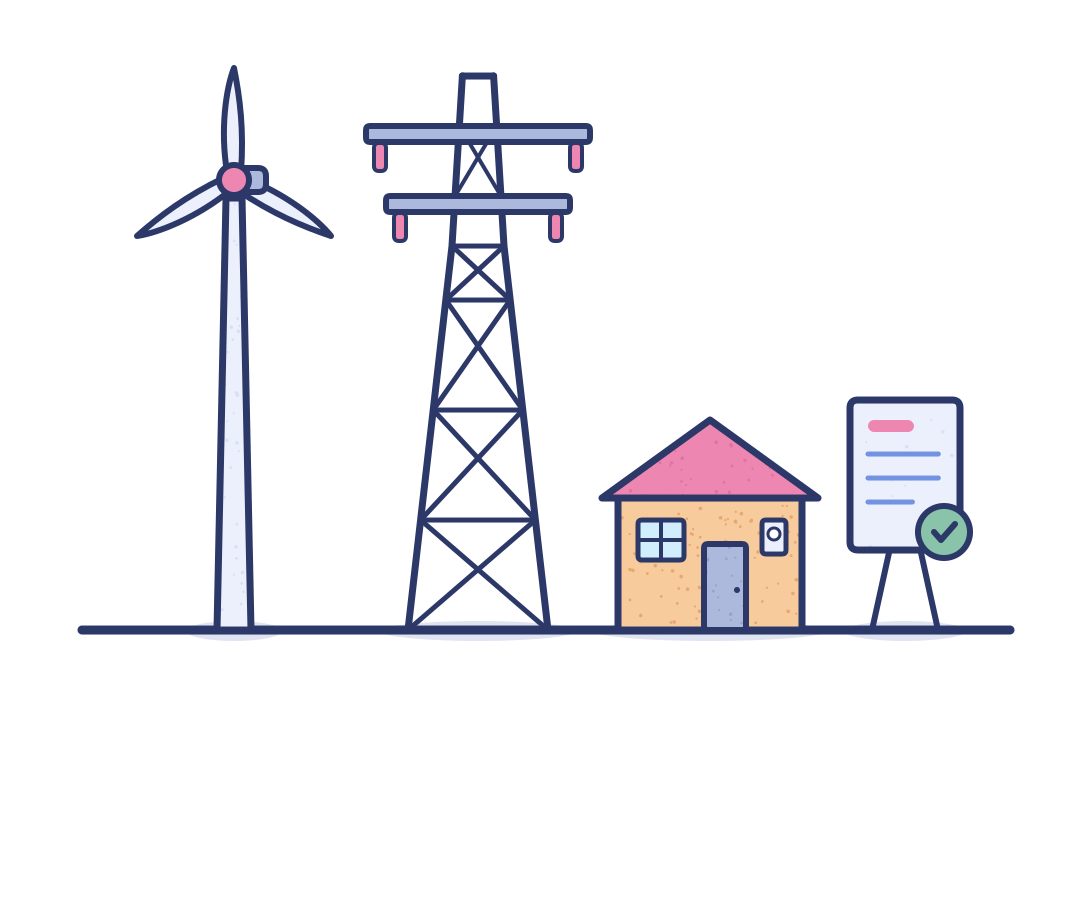


















From permits in inboxes to projects that move in Salesforce
Energy and utility records stay open for years. Think of a service point, a lease or a well. When their paperwork sits in inboxes and shared drives, every request starts with a search. CloudFiles keeps it on the Salesforce record instead.
The manual way
- In power and gas utilities, connection coordinators chase site plans for each new service case by email, so the work order waits and the customer's connection date slips.
- In water utilities, quote teams paste charges and clauses into each connection pack in Word, so developers wait on the quote record and wrong terms go out.
- In retail energy, enrollment teams retype account numbers from every customer bill onto each site record, so typos reject enrollments and switch dates slip.
- In renewables, land agents hunt across drives for each site's signed leases and easements, so financing reviews on the project record wait on site control.
- In upstream oil and gas, owner relations reps wait on emailed tax forms for each owner case, so the case stays open and royalty payments sit in suspense.
- In midstream, right-of-way agents keep tract easements in paper files, so landowner cases in Salesforce wait while someone checks what the company signed.
- In downstream, credit analysts key each new commercial customer's credit application into the account, so first fuel deliveries sit behind the credit backlog.
- In oilfield services, billing clerks match each scanned field ticket to its work order by hand, so invoices leave late and cash from operators lags behind.
The CloudFiles way
- Connections reach scheduling sooner, because developers send their plans by a secure request that files them straight to the service case, not to an inbox.
- Developers get the right connection pack the first time, because the quote record fills every charge and standard clause in the pack.
- Enrollments go in clean, because each uploaded bill fills the site record's account number and rate class, with a specialist's sign-off first.
- Financing reviews start with site control in hand, because every lease and easement is filed by land-rights type under its site on the project record.
- Owners are paid sooner, because the forms they owe come back through a secure request raised on the owner case, already filed under that owner.
- Landowner cases close on the first call, because each tract's signed easement opens from its Salesforce tract record, kept with its pipeline project.
- New accounts order sooner, because each credit application fills the account record itself, and a credit analyst only confirms it and sets the limit.
- Invoices go out with the job, because each scanned batch of field tickets is separated and each one is attached to its own work order, ready for billing.
Tailored for every energy and utilities sector
Eight sector pages, from power and gas utilities to oilfield services and equipment.
Power and gas utilities
Site plans, connection offers, rebate applications and commercial agreements across every connection, program and key account.
Water and wastewater utilities
Customer letters, job sheets, developer plans and connection packs that move between cases, quotes and field work orders.
Retail energy providers
Letters of authorization, utility bills, credit files and supply agreements gathered for every business customer and site.
Renewables and clean energy developers
Leases, easements, permits and studies that secure each project from site control through construction.
Upstream oil and gas
Title opinions, owner forms, division orders and partner agreements tied to each lease, well and royalty owner.
Midstream oil and gas
Easements, survey plats, construction records and shipper contracts along every pipeline project and tract.
Downstream oil and gas
Credit applications, safety data sheets, dealer permits and fuel supply agreements for every station and commercial account.
Oilfield services and equipment
Field tickets, job logs, equipment certificates and quotes that follow each crew from bid to invoice.
Document automation for records that stay open for years
Works on the records your teams already open
Coordinators, land agents and billing clerks handle documents on the record they already have open. That can be a case, a site, a tract or a work order. Nobody switches apps.
Set up in Salesforce Flow, not code
Your admin ties each document step to a record being created or a status changing in Salesforce Flow, with no code to write and no developer to hire.
Approved before it reaches the record
Choose which runs stop for a reviewer, so a utility bill, credit application or easement is confirmed by a person before anything is written to Salesforce.
Outside parties without Salesforce logins
Developers, landowners and brokers share documents through secure upload requests and links. None of them needs a Salesforce license or login to take part.
Filing, reading and producing from one vendor
Incoming, read and outgoing documents all run through one package. Your security team reviews it once, and one support desk backs it.
One setup for utilities and oil and gas alike
Utilities and oil and gas teams each get their own folders, templates and processes. All of it runs inside the one Salesforce org your teams already use.
The document side of energy, handled inside Salesforce
Document Management & Sharing, Document AI and Document Generation work together inside Salesforce. Permits, bills and field tickets land on the right record. Offers and agreements go out from that same record.
Document Management & Sharing
Every project, site, case and work order gets its own folder when the record is created. Files stay in the storage you already use, such as SharePoint, Google Drive, Azure Blob, Amazon S3 and more. Outside parties send and receive files through secure requests and expiring links.
Document AI
Takes each incoming document through the whole job. A scanned packet of field tickets or permits is split into separate files. Each file is recognized, matched to its record and used to fill fields. Teams can ask questions of a lease, and chosen runs wait for approval.
Document Generation
Turns live Salesforce data into offers, supply agreements, quotes and landowner letters. It uses your own Word, Excel, PowerPoint or PDF templates, for one record or a whole list at once. Word and PDF documents go out for e-signature.
Built to work alongside Salesforce Energy & Utilities Cloud
Install CloudFiles from AppExchange as a managed package. It works on the objects your org already has. That includes service points and billing accounts in Energy & Utilities Cloud, now also called Agentforce Energy & Utilities. It covers Field Service work orders and custom objects too. Everything already in the org stays as it is.
Stay industry compliant
CloudFiles is independently audited for SOC 2 Type II, certified to ISO 27001 and compliant with HIPAA and GDPR. Data residency is supported in the US, EU, UK and AU. Your files stay in your own storage. CloudFiles never re-hosts them, and they are not used to train our AI models.



Frequently asked questions
Yes. CloudFiles connects Salesforce to the storage you already use, whether that is SharePoint, Google Drive, Azure Blob, Amazon S3 or another provider. Plans, contracts and job records open from the Salesforce record they belong to. Engineers keep working in their own libraries.
Salesforce keeps files in a flat list on each record. Standard Files does not organize, read or produce documents. CloudFiles adds all three for energy companies. Every case, site and work order gets a folder. Incoming documents are filed onto records, and offers are produced from record data.
No. CloudFiles adds the document work to Energy & Utilities Cloud and leaves its service points, billing accounts and program records as they are. A Salesforce admin installs the managed package from AppExchange, into a sandbox first or straight into production.
Send a secure upload request from the Salesforce record, listing each document needed. Landowners, developers and contractors upload from the link with no login. Every file lands in that record's folder as it arrives, so the team sees what is still missing.
Yes, with CloudFiles. A scanned packet attached to a record is split into separate documents, and each one is recognized, named and filed. Field tickets can be matched to their work orders, so billing starts from jobs with their tickets already attached.
Yes. Connection offers, supply agreements and landowner agreements are generated from the Salesforce record on your own Word or PDF template. Each one goes out for e-signature, with signers taken from the record. The signed PDF returns to that record's folder.
Share a file with portal users from its Salesforce record and it appears on your Experience Cloud site, or send a secure link that expires. Contractors, trade allies and customers see only the documents meant for them, in one secure place.
Yes, with CloudFiles. The document is mapped onto the record it belongs to, with its fields filled in, such as a bill's account number and rate class or an applicant's details. You choose which runs wait for a person's approval before anything is written.
Every project, site, case or work order gets its own folder in your connected storage just after the record is created. Your admin sets this up once in Salesforce Flow. Folders nest by relationship, so each site's folder sits inside its project's and each tract's inside its pipeline project's.
Your energy paperwork, run from the record
Book a demo with a real permit packet, utility bill or field ticket. Watch it move through your own Salesforce records, start to finish.