
CloudFiles for online and continuing education
Training proposals, prior learning proof and cohort certificates still travel by email between employers, learners and coordinators. CloudFiles files, shares and generates each of these documents on its Salesforce Education Cloud record.
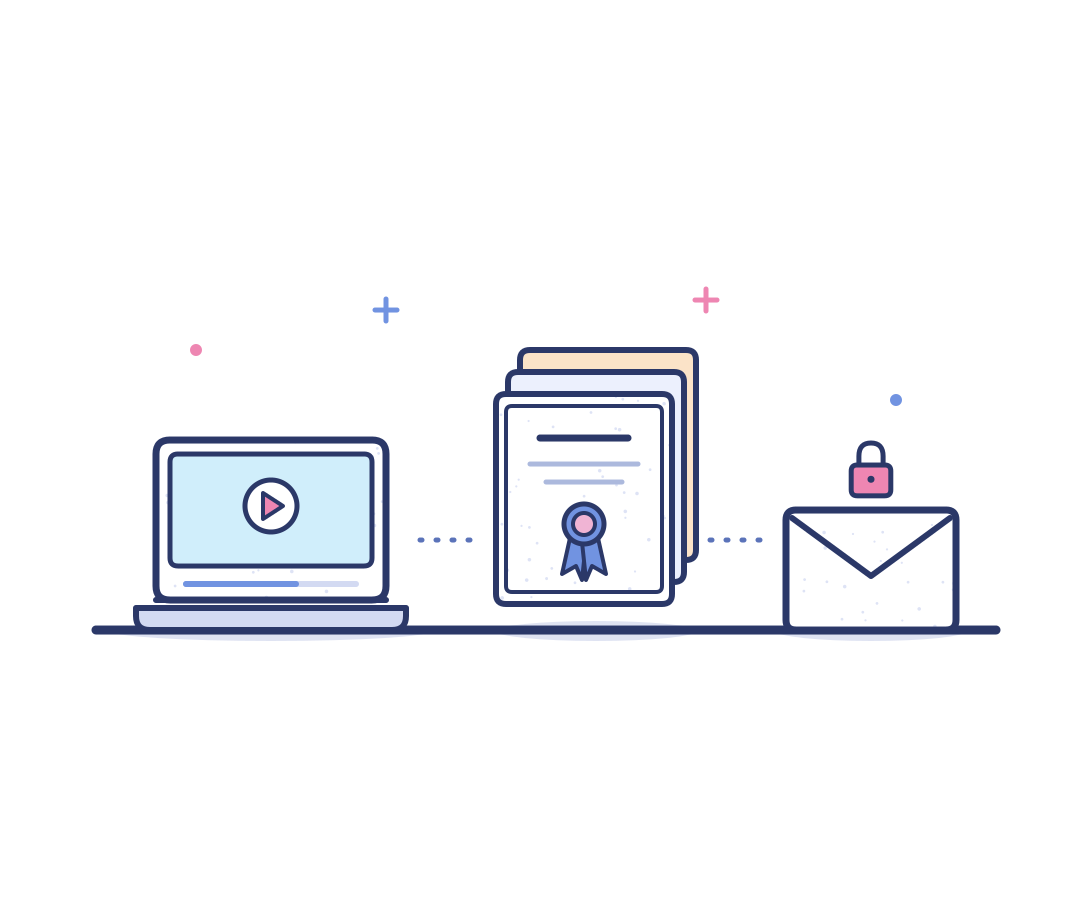















From first inquiry to final certificate
Short programs and corporate cohorts move documents between employers, learners and staff all term long. Here is how CloudFiles takes over five of those jobs inside Salesforce.
The manual way
- When a lead converts, Salesforce links the prospect's registration forms to the new contact and account in one flat files list. Coordinators scroll that list for every learner, because a record's files list has no program folders or subfolders.
- A training proposal leaves Salesforce as an email attachment from the opportunity, and nobody can tell whether the employer opened it. Account executives time each follow-up call on a guess while procurement holds the deal.
- Learners email old transcripts and certificates to claim prior learning, and staff attach them to the learner's record. Matching each file to its requirement stalls exemptions, so learners repeat modules they already passed.
- Each learner earns a certificate for every course they finish, and a corporate cohort finishes together. Salesforce records each achievement, while staff build every certificate separately and learners keep asking for theirs.
- The opportunity in Salesforce already holds cohort size, program dates and price for the training deal. Account executives still retype them into a contract and a statement of work, then chase each signer by separate email.
The CloudFiles way
- CloudFiles creates folders and subfolders for every learner inside the program folder, moments after the learner program is saved. When a lead converts, CloudFiles moves the lead's folder of registration forms into the person account folder.
- CloudFiles turns the training proposal into a secure link on the opportunity that asks each viewer for an email address. Account executives then see on the opportunity who opened the proposal, when and for how long before the next call.
- Each learner gets one secure upload link per prior learning requirement, emailed by a flow. CloudFiles confirms the document type of every upload and files it under that requirement, then the program coordinator rules on the exemption.
- CloudFiles generates every certificate for a cohort, one per earned learner achievement, in a single run in the background. Each certificate lands in its learner's folder, and a flow emails every learner one secure link to that folder.
- CloudFiles generates the training contract and the statement of work straight from the opportunity fields. It sends both in one e-signature envelope in signing order, and the signed copies return to the same opportunity on their own.
Six jobs CloudFiles takes off program teams
An admin builds each job once, then it runs on every partner, learner and achievement record the team creates after that.
Datarooms for corporate training partners
CloudFiles opens one dataroom for each corporate partner from its partnership agreement in Salesforce. The partner reviews program materials and uploads employee rosters there, with no login to manage.
- The partnerships manager shares course outlines in the dataroom for the employer's learning lead to look over.
- Rosters arrive through an upload request inside the dataroom and are saved under the partnership agreement record.
- Admins build this with the create dataroom flow action, on a flow that runs when a partnership agreement turns active.
Split scanned corporate enrollment packets
CloudFiles splits one scanned enrollment packet from an employer into a separate file for each employee. Every form is named from its own contents and placed in one folder on the partnership agreement.
- A coordinator uploads the employer's combined packet to the partnership agreement, and the split starts on its own.
- Each employee's enrollment form becomes its own PDF, named from the details on the form, in one new folder.
- Admins build this with the split document using AI flow action, started whenever a learner uploads a packet.
Tuition approval letter upload links
CloudFiles gives each employer sponsor a secure upload link for the learner's tuition approval letter, emailed by a flow. The sponsor uploads with no login, and the letter lands in the learner's folder.
- Coordinators stop chasing sponsors by email, because the link goes out when the learner program is saved.
- With email verification on, a flow writes the sponsor's email onto the learner program as the letter arrives.
- Admins set up the create file request flow action, and a send email action delivers the link to the sponsor.
Disable certificate links on revocation
CloudFiles switches off the shared link to a learner's certificate moments after the learner achievement is revoked. Employers who open the old link no longer see the certificate, so it stops circulating.
- Coordinators set the achievement status to revoked, and nobody hunts down every link once sent to employers.
- When the certificate is first shared, a flow stores the CloudFiles link id on the learner achievement for this switch-off.
- Admins build this with the update link settings flow action, on a flow that watches the learner achievement status.
Partnership renewal agreements
CloudFiles generates a renewal agreement moments after a partnership agreement reaches pending renewal. It goes out for e-signature to the partner's signers, and the signed copy returns to the agreement.
- The partnerships manager starts every renewal on time, because the status change itself sends the agreement.
- The partner's account name, start date, end date and renewal date fill the template from the partnership agreement.
- Admins add the generate document (batch) flow action to a flow triggered by the partnership agreement status.
Progress and enrollment letters on demand
CloudFiles generates a progress letter or an enrollment letter from the learner program whenever a coordinator asks. The coordinator picks the letter on screen, and the PDF lands in the learner's folder.
- Employers asking for proof of enrollment get a letter the same day, without anyone drafting the letter by hand.
- Completed and exempt requirements show up as rows in a table inside the letter, filled from the record.
- Admins build this with the generate document (batch) flow action, called from a screen flow on the learner program.
Key documents we handle for online and continuing education
A sample of the files CloudFiles organizes, shares and generates for employers and learners, on the records a continuing education team works from.
Training proposals
The proposal an account executive sends an employer for a cohort program, shared from the opportunity as a secure link that logs views.
Partnership agreements
Master agreements and memorandums of understanding with a corporate partner, kept in the folder of its Education Cloud partnership agreement.
Employee rosters
The list of employees an employer enrolls in a cohort, uploaded through the partner's dataroom and saved under the partnership agreement.
Prior learning proof
Transcripts and earlier certificates a learner uploads against one program requirement, filed under that requirement on the learner program.
Completion certificates
The certificate each learner receives at the end of a program, generated from the learner achievement and saved in the learner's own folder.
Tuition approval letters
An employer's written approval to fund a learner's tuition, uploaded by the sponsor through a secure link and filed on the learner program.
Stay industry compliant
CloudFiles is independently audited for SOC 2 Type II, certified to ISO 27001, and compliant with HIPAA and GDPR. Data residency is supported in the US, EU, UK and AU. Your files stay in your own storage. CloudFiles never re-hosts them, and they are not used to train our AI models.



Frequently asked questions
Yes. CloudFiles works on Education Cloud records such as the learner program, learner achievement and partnership agreement, as it does on accounts. Folders, secure links and generated documents attach to each of those record pages in Salesforce. Custom objects a team built for corporate training work the same way once the AppExchange package is installed.
Yes. CloudFiles treats a program enrollment in Salesforce EDA like any other record, so each enrollment gets its own folder on the record page. Enrollment letters and progress reports generated from a program enrollment are saved straight back to that record. Institutions still running EDA keep the same document automation they would have on Education Cloud.
Yes. CloudFiles connects Salesforce Education Cloud to SharePoint, Google Drive, OneDrive, Box or Dropbox, and each learner program gets its own folder there. Coordinators open those learner files from the record page without leaving Salesforce. On SharePoint, CloudFiles also writes metadata columns and grants per-person permissions on each learner folder.
Yes. CloudFiles generates certificates from templates your team designs in Word, Excel, PowerPoint or PDF, with your logo and a signature image in place. Fields like the learner's name and the date the credential was earned come straight from the learner achievement. Updating the template once changes every certificate generated after that, with no old copies to replace.
Yes. On its own, Salesforce keeps each upload as a file on the record page, in one flat files list. CloudFiles adds a folder and subfolders for each learner program, moments after staff save it. Coordinators share files from those folders as secure links that log each view, and generated certificates land in the same learner folders.
Yes. CloudFiles moves a learner's folder into an archive folder moments after the learner program changes to completed. Finished cohorts stop crowding the active folders that coordinators open every day. Each finished learner's files stay together in the archive, ready whenever an employer asks for an old certificate or letter.
Yes. The CloudFiles implementation team creates folders for existing learner programs in a one-time run at go-live. Every learner already in a program gets the same folders and subfolders as a new enrollment. From then on, CloudFiles creates folders for each new learner program moments after it is saved.
Yes. A Salesforce admin adds CloudFiles document generation to a flow with no code, filling Word, Excel, PowerPoint or PDF templates. Certificates come from the learner achievement, renewal agreements from the partnership agreement and enrollment letters from the learner program.
Give every learner document a home
Bring one corporate training proposal and one cohort certificate template, and watch CloudFiles share the proposal and generate the certificates in Salesforce.