
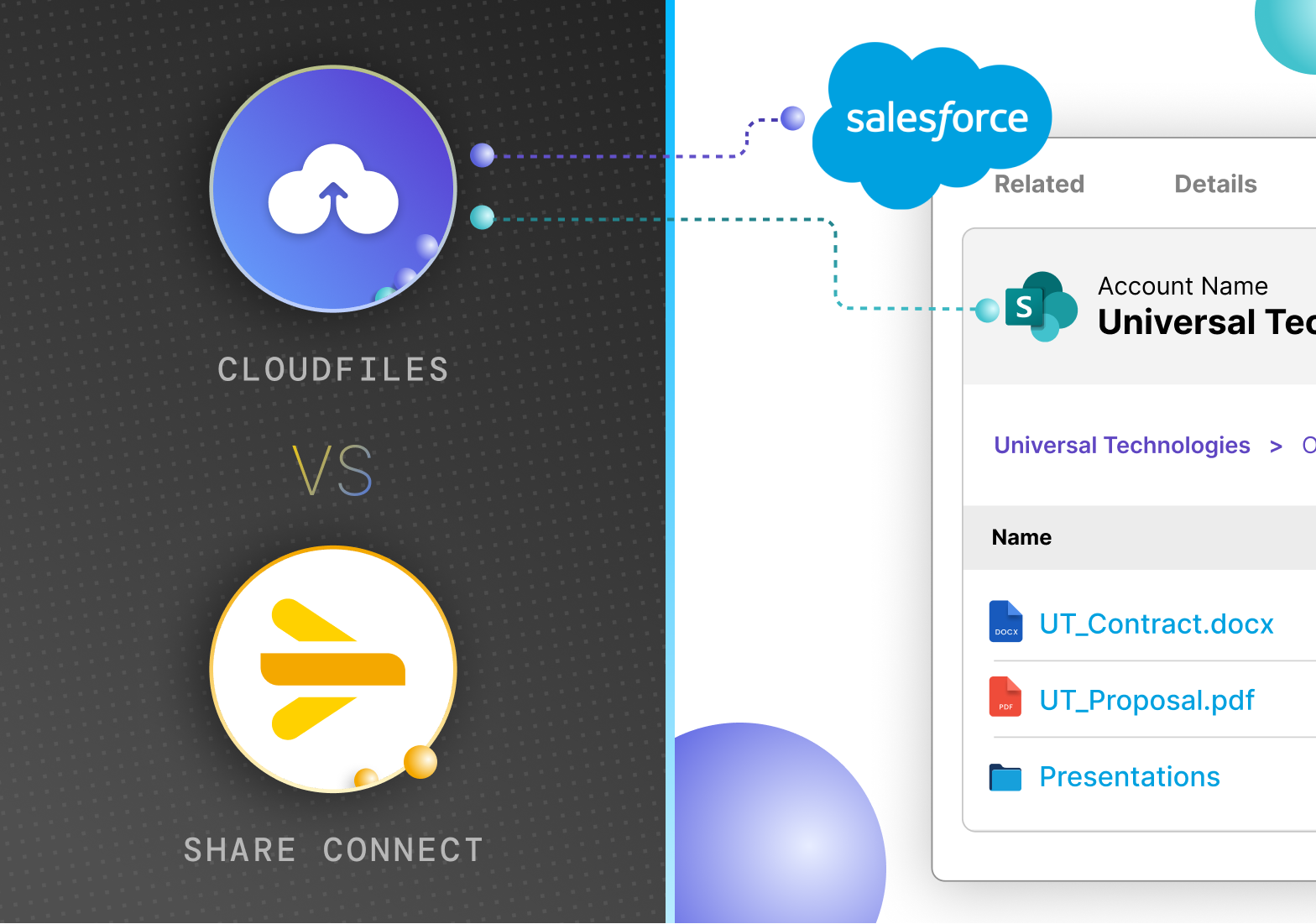
If you've been tasked with connecting Salesforce and SharePoint at your organisation, chances are you've already run into a short list of options on the AppExchange. Two names that come up frequently are CloudFiles and Share Connect by Appiphony. Both do the core job of linking SharePoint to Salesforce, but that's roughly where the similarities end.
This article breaks down what each one does, the core architecture, features they offer, how they differ, and which team would benefit most from each.
What is CloudFiles?
CloudFiles is an advanced Salesforce SharePoint integration built for complete document workflows. It goes beyond file access to enable structured document management, automation, and data processing, all natively within Salesforce.
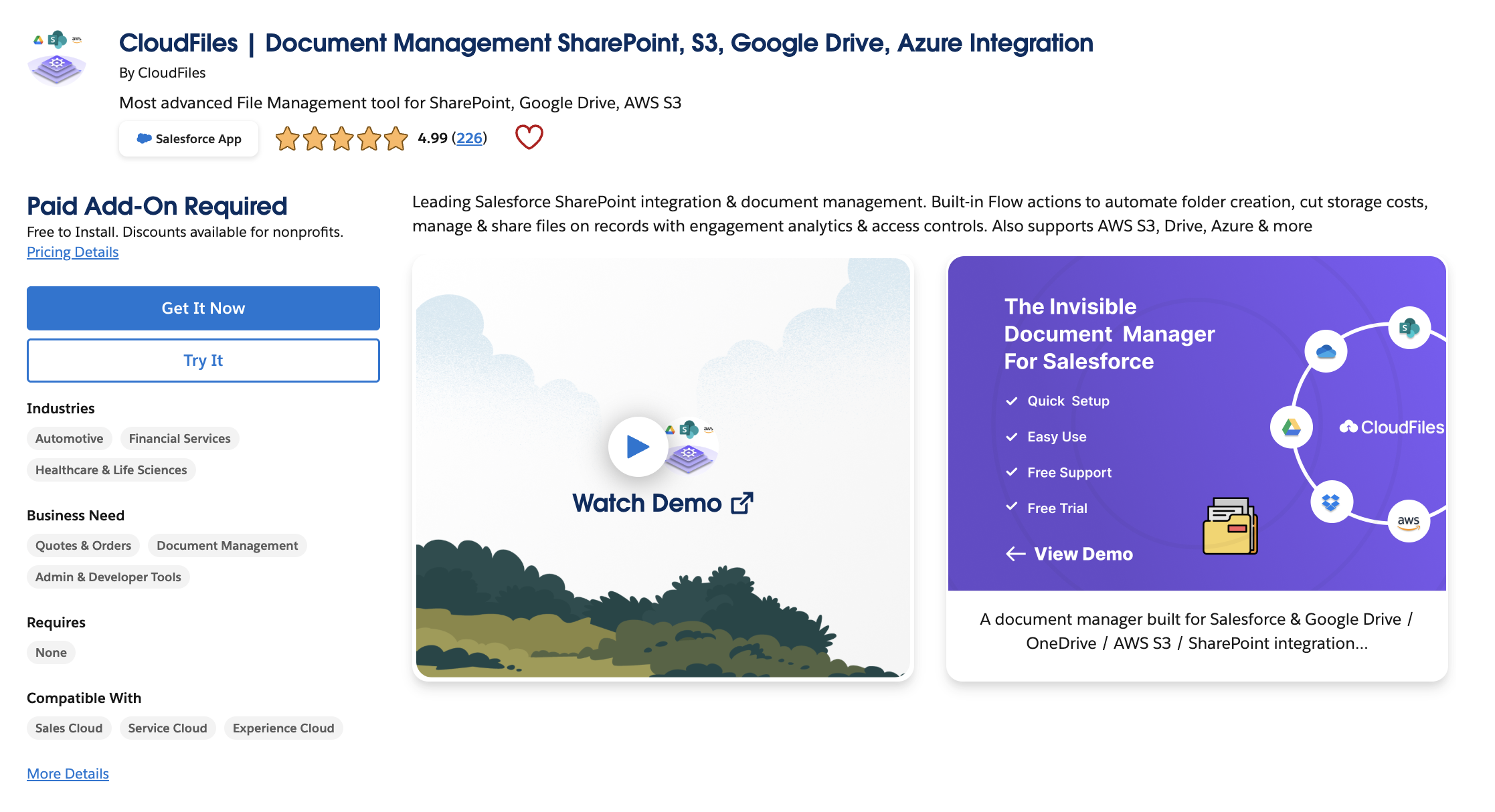
Beyond the core file management layer, CloudFiles includes document generation (contracts, proposals, invoices from Salesforce field data), AI-powered OCR extraction from files back into Salesforce fields, engagement analytics for shared documents, and support for Salesforce Experience Cloud, allowing external users to interact with SharePoint files without a SharePoint license.
CloudFiles holds a 4.9-star AppExchange rating and serves over 1,200 Salesforce teams, and is independently audited for SOC 2 Type II, certified to ISO 27001, and compliant with HIPAA and GDPR, with evidence publicly available via their Trust Portal.
What is Share Connect?
Share Connect is a Salesforce-to-SharePoint integration app built by Appiphony. Share Connect links, creates, and manages SharePoint files & folders directly from Salesforce.
The product is focused and does what it describes: you can attach SharePoint files and folders to Salesforce records via the SharePoint Links component, and view them without leaving Salesforce.
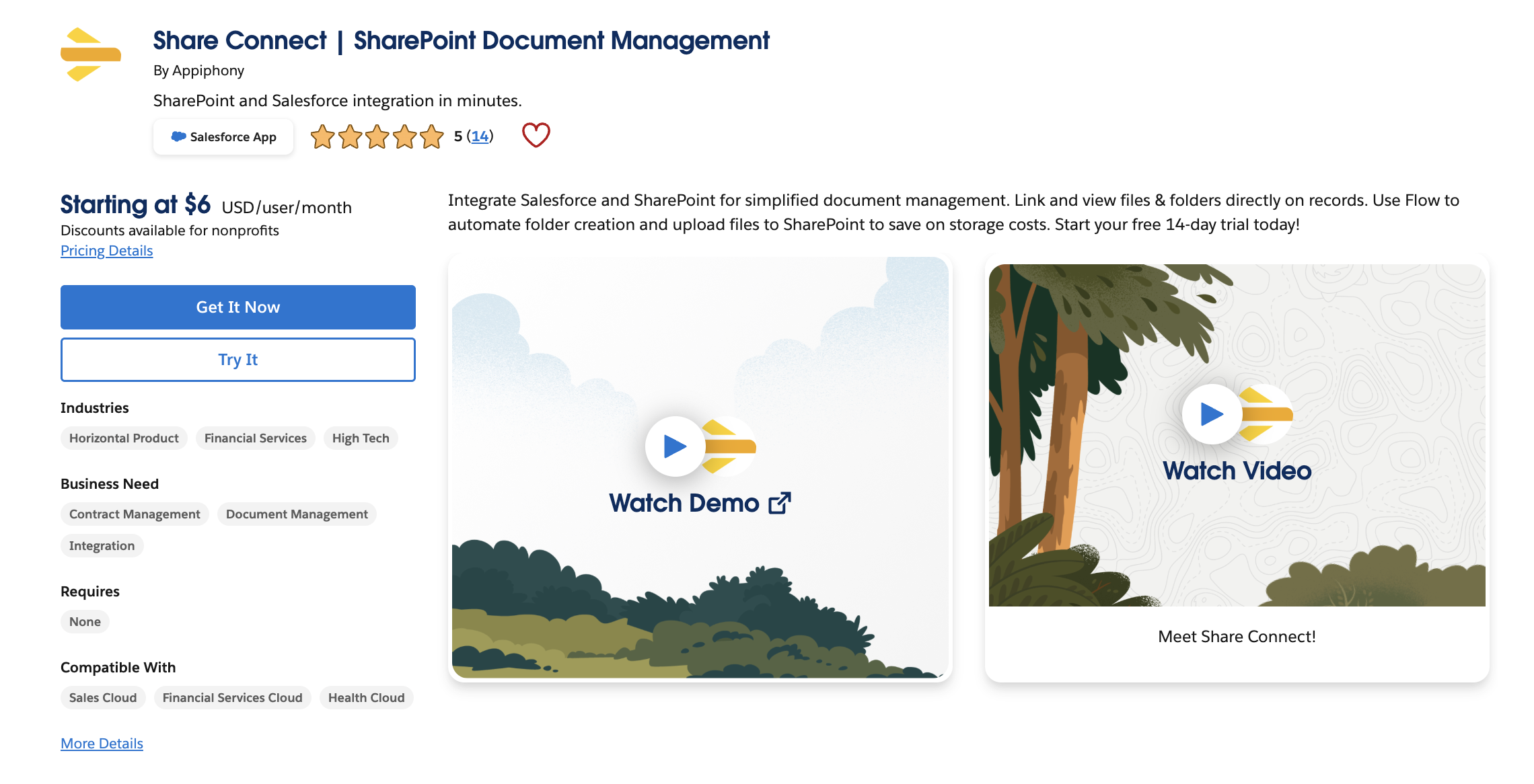
On the automation side, Share Connect automates SharePoint folder creation with Salesforce Flows - using their "Automate Share" action in Record-Triggered Flows to create SharePoint folders with a consistent structure and automatically link them to Salesforce records. This is available on their Pro plan.
How do they work?
Core Integration Architecture
Share Connect works primarily through linked SharePoint files and folders, where the file or folder name and URL are saved back to Salesforce as a Content Version record - a link-based architecture. This means SharePoint remains the system of record for files, and Salesforce holds a pointer to them. If a file is deleted or moved in SharePoint, the link in Salesforce will still appear - but the file itself will be inaccessible.
CloudFiles works as a document-management layer inside Salesforce, so SharePoint is not just connected as a file location; it becomes part of record-level document workflows. File operations (upload, rename, move, delete, share) execute against SharePoint in real time, from within any Salesforce record, without switching tabs.
Preview and manage files inside Salesforce
CloudFiles lets you upload, preview, rename, move, delete, and share SharePoint files from inside any Salesforce record - full file management without switching to SharePoint.
Share Connect lets you link, upload, preview, save, and rename files in the File Viewer. File movement and additional operations are available on the Pro plan via Flow.
File Upload & Storage Optimisations
CloudFiles automatically moves existing notes and attachments from Salesforce storage to SharePoint, freeing up Salesforce storage while keeping files accessible in records.
ShareConnect supports existing file uploads via Scheduled Flows, but requires the Mass Actions add-on for bulk processing.
Standard & custom Salesforce objects
CloudFiles works with all standard Salesforce objects (Accounts, Opportunities, Cases, Contacts) and all custom objects.
Share Connect's SharePoint Links component is available for all standard and custom Salesforce objects.
File and Folder Automation
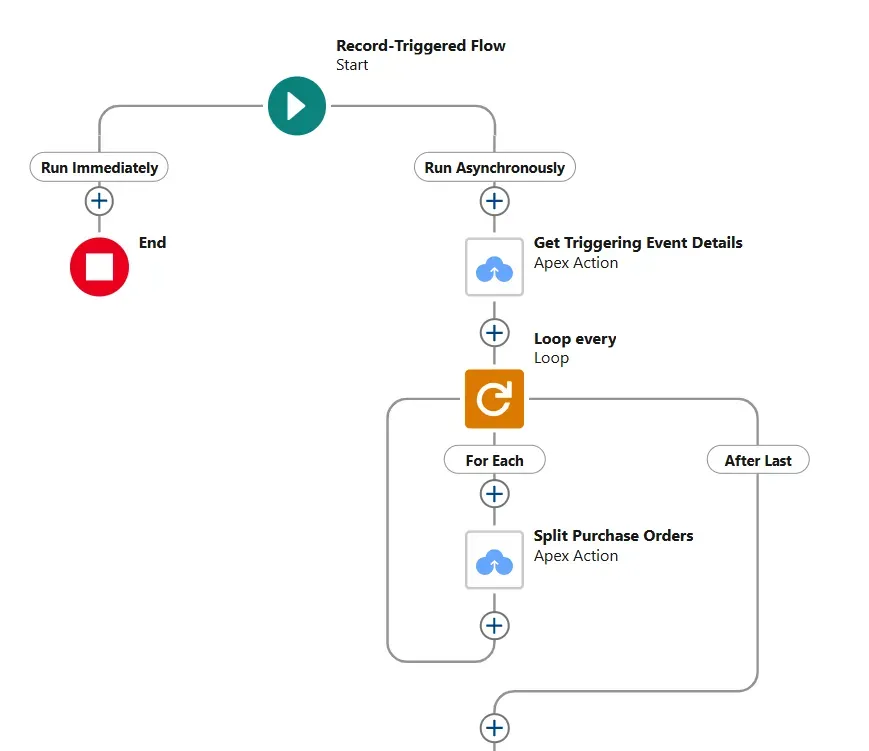
Share Connect's folder automation requires Salesforce Record-Triggered Flows and the Pro plan. Every new automation - creating a folder when an opportunity is created, linking it to the right record needs to be individually built and maintained in Flow Builder.
CloudFiles provides pre-built Flow actions for common operations like creating folders, moving files, and copying files, implying configuration overhead to achieve the same outcome. For teams without a dedicated Salesforce admin resource, this tends to matter.
Bulk Migration of Salesforce Files to SharePoint
One operational consideration that often gets underweighted during tool evaluation is what happens to your existing files. If you're moving from Salesforce Files to SharePoint, you likely have years of attachments and documents sitting in Salesforce storage.
CloudFiles automatically moves existing notes and attachments from Salesforce storage to SharePoint, freeing up Salesforce storage while keeping files accessible in records.
Share Connect supports existing file uploads via Scheduled Flows, but requires the Mass Actions add-on for bulk processing.
The practical implication: CloudFiles handles bulk migration as a built-in capability. Share Connect can do it, but it requires additional tooling and setup time.
Document Generation
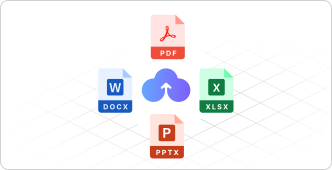
CloudFiles Document Generation allows you to create contracts, quotes, proposals, and invoices from Salesforce field data using reusable templates in one click, with generated documents automatically saved to the linked SharePoint folder.
Document generation is not in Share Connect's current feature set. Appiphony has stated that a Microsoft-centric document generation solution is in development and will integrate with Share Connect.
If your team regularly generates proposals or contracts from Salesforce data, this gap is significant. Right now, Share Connect users need a separate tool to handle document generation, which increases costs and adds complexity.
AI and Data Extraction
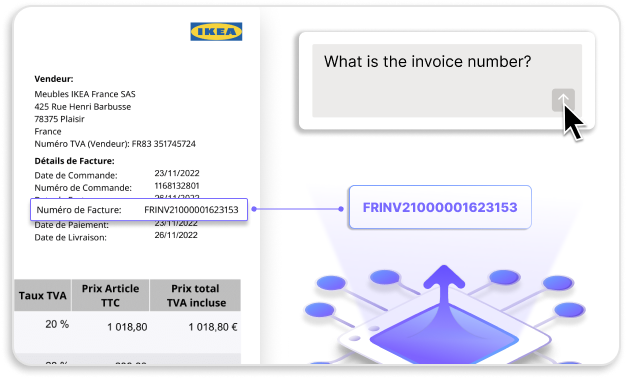
CloudFiles Document AI can extract structured data from invoices, KYC forms, contracts, and IDs using OCR and machine learning, and auto-populates Salesforce fields, reducing manual data entry.
AI-powered OCR data extraction is not listed in Share Connect's documented features. No AI or OCR capabilities are publicly documented in Share Connect’s current feature set.
This is a meaningful gap for industries that process large volumes of inbound documents, whether it is financial services firms handling KYC, healthcare organisations processing patient forms, legal teams reviewing contracts, or insurance teams managing claims. CloudFiles has built something Share Connect has not yet addressed.
External Users and Experience Cloud
External clients and partners can upload and access SharePoint files from Salesforce Experience Cloud portal pages using CloudFiles, without needing a SharePoint licence.
For organisations that run customer or partner portals through Experience Cloud, this is a clear differentiator. Being able to give external users access to relevant SharePoint documents through the same portal without provisioning SharePoint licences removes a real operational barrier.
Permissions & Access Control
CloudFiles Permissions lets you control document access directly from Salesforce, while still respecting SharePoint permissions in the backend - enabling access control as part of Salesforce workflows.
Share Connect relies on SharePoint permissions for file access. Salesforce controls only link visibility, not access to the file itself.
Security and Compliance
CloudFiles is independently audited and certified. SOC 2 Type II, ISO 27001, GDPR compliant, HIPAA compliant. Public Trust Portal with compliance documentation. Data residency in the US, EU, UK, and AU.
For enterprise organisations, regulated industries, or public sector teams, the absence of publicly available compliance documentation can slow down procurement or block it entirely.
Pricing
Appiphony offers two fixed pricing tiers:
Starter : $6/user/month (annual) or $8/user/month (monthly). Covers file linking, file upload, file viewing via fullscreen previewer, save to device, view in SharePoint, copy SharePoint URL, rename file, and unlink file, all available across standard and custom Salesforce objects.
Pro: $12/user/month (annual) or $15/user/month (monthly). Adds all automation features: folder linking, automated folder creation, automated folder linking, automated folder renaming, automated folder movement, file send via email, automated file linking, automated file renaming, automated file movement, and automated file upload via Salesforce Flow.
CloudFiles offers multiple flexible plans starting with Document Management and adding modules like sharing, generation, and AI as needed. It includes volume discounts, no yearly commitment, and allows custom enterprise plans tailored to your use case. A free trial (extendable) allows deeper evaluation before committing.
CloudFiles' flexible model can be an advantage for larger teams that want to pay for the capabilities they actually use, rather than fitting into predefined tiers. At lower user counts, Share Connect will often be cheaper on paper - that's a legitimate consideration.
A Quick Side-by-Side Comparison
| Capability | CloudFiles | Share Connect |
|---|---|---|
| File linking to Salesforce records | ✅ | ✅ |
| In-app file preview | ✅ | ✅ (File Viewer) |
| Folder automation | ✅ Pre-built actions | ✅ Pro plan + Flow required |
| Bulk file migration | ✅ Built-in | Requires Mass Actions add-on |
| Document generation | ✅ | Not in documented features |
| AI / OCR extraction | ✅ | Not in documented features |
| Experience Cloud support | ✅ | Not in documented features |
| Tracked secure sharing links | ✅ | File email send (Pro only) |
| Security certifications & compliance | SOC 2, ISO 27001 certified · HIPAA, GDPR compliant | Not publicly disclosed |
| AppExchange rating | 4.9 ⭐ | - |
| Pricing and free trial plans | Offers a free trial | Offers a free trial, Actual Plan - $6/user/month (annual) |
Who Should Use Share Connect?
Share Connect makes a lot of sense for teams that have a well-defined, limited need. It is suitable for teams that want SharePoint files to be visible and linkable from Salesforce records, and they have Salesforce admins who can build and maintain the Flows required for folder automation.
It's a clean tool with positive reviews, a fast setup, and a low starting price. If the scope of your integration genuinely stops at "link files and create folders," it's worth serious consideration. Share Connect is the right fit if your needs are straightforward file linking and Flow-based automation.
Who Should Use CloudFiles?
CloudFiles makes more sense when document management is part of a broader workflow rather than an endpoint in itself. Teams that generate documents from Salesforce data, process inbound documents, require compliance documentation for enterprise procurement, or run client-facing portals through Experience Cloud will quickly reach the limits of what Share Connect offers.
The fact that CloudFiles handles bulk migration natively also makes it a more practical choice for teams with an existing file library they need to move, rather than treating historical documents as a separate problem to solve later.
CloudFiles is built for teams that need the Salesforce-SharePoint connection to extend beyond linking into document creation, data extraction, and file intelligence.
Frequently Asked Questions
What is the difference between CloudFiles and Share Connect?
Both tools connect Salesforce to SharePoint, but with different depth. Share Connect is a file-linking tool that saves a SharePoint file's URL and name back to Salesforce so users can access files without leaving their CRM. CloudFiles operates as a document workflow layer, extending the Salesforce SharePoint integration into document generation, AI data extraction, bulk migration, and Experience Cloud support.
Does Share Connect require Salesforce Flow for automation?
Yes. According to Appiphony's own pricing page, all automated folder and file operations in Share Connect - including folder creation, folder movement, automated file upload, and file renaming - require Salesforce Record-Triggered Flows and are only available on the Pro plan. CloudFiles provides prebuilt actions that can create and manage SharePoint folders without requiring Flow configuration.
Which Salesforce SharePoint integration supports Experience Cloud and external users?
CloudFiles supports external clients and partners accessing and uploading SharePoint files from Salesforce Experience Cloud portals without a SharePoint licence. Experience Cloud support is not listed among Share Connect’s documented features; Share Connect is described as being intended for internal Salesforce users only.
Which Salesforce SharePoint integration is best for enterprise and regulated industries?
For enterprise teams with compliance requirements, CloudFiles is independently audited for SOC 2 Type II, certified to ISO 27001, and compliant with HIPAA and GDPR, and maintains a public Trust Portal. Share Connect does not publicly disclose security certifications. For regulated industries - financial services, healthcare, legal, insurance- this distinction tends to be decisive at the procurement stage, where audit reports are required.
Can CloudFiles replace Share Connect?
CloudFiles covers all the core capabilities Share Connect offers - file linking, folder automation, in-app preview, and adds document generation, AI OCR extraction, bulk migration, Experience Cloud support, and compliance certifications on top. Teams currently using Share Connect for basic file linking would find that CloudFiles handles the same use case and extends considerably beyond it.
Book a demo to see how it works.