AI-Powered File Splitting in Salesforce
Automatically split merged PDF files into individual documents using AI-powered processing. No manual intervention—just seamless document separation and organization within Salesforce or external storage.
Loved and trusted
by companies across industries — from finance, real estate to healthcare.





Why Traditional Methods Slow You Down
Time-Consuming & Inefficient
- Manually identifying and separating documents within a merged file requires significant effort, slowing down workflows.
- Large batches of scanned documents (e.g., multi-invoice bundles, contracts) make manual splitting impractical at scale.
Prone to Errors & Misclassification
- Human errors in recognizing document boundaries can lead to misfiled pages, incomplete records, or missing data.
- Invoices, agreements, and compliance files often have varying structures, making it difficult to standardize manual splitting.
No Automation to Attach Files to the Right Salesforce Records
- Manually linking split documents back to the correct Salesforce records (e.g., accounts, opportunities, or case files) creates additional administrative work.
- Without automation, teams spend hours managing document storage and retrieval.
Complex Storage & Retrieval Across Multiple Platforms
- Documents stored across Salesforce, SharePoint, Google Drive, OneDrive, AWS S3, and Dropbox often lead to mismanagement and duplication.
- Lack of seamless integration between Salesforce and external storage makes file tracking difficult.
Meet AI-Powered File Splitting in Salesforce
Intelligent File Separation for Seamless Document Processing & Management
AI-Driven Smart Splitting
- Intelligently detects and separates individual documents within a merged PDF.
- Eliminates the need for predefined separators or manual identification.

Automated File Handling & Organization
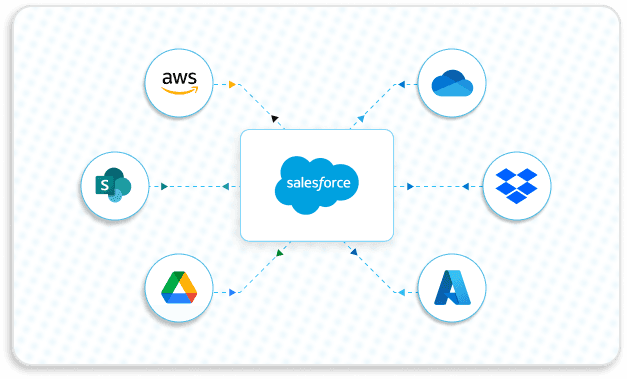
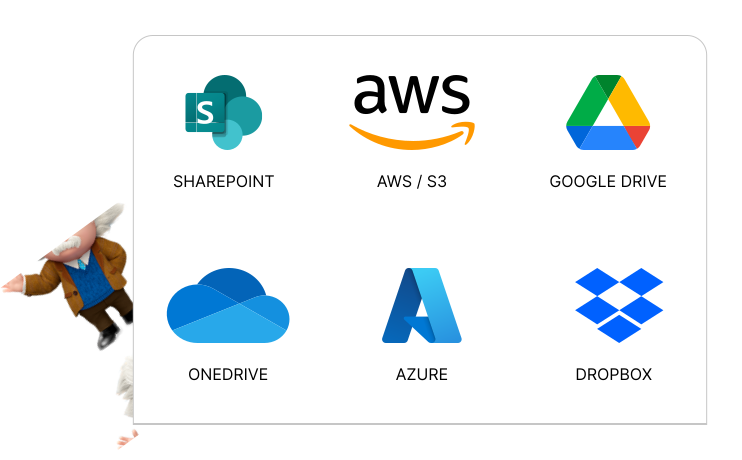
- Saves split files directly in Salesforce or external storage (Google Drive, SharePoint, OneDrive, AWS S3, Dropbox, Box).
- Ensures files are attached to the correct Salesforce records instantly.
Event-Driven Processing & Flow Automation
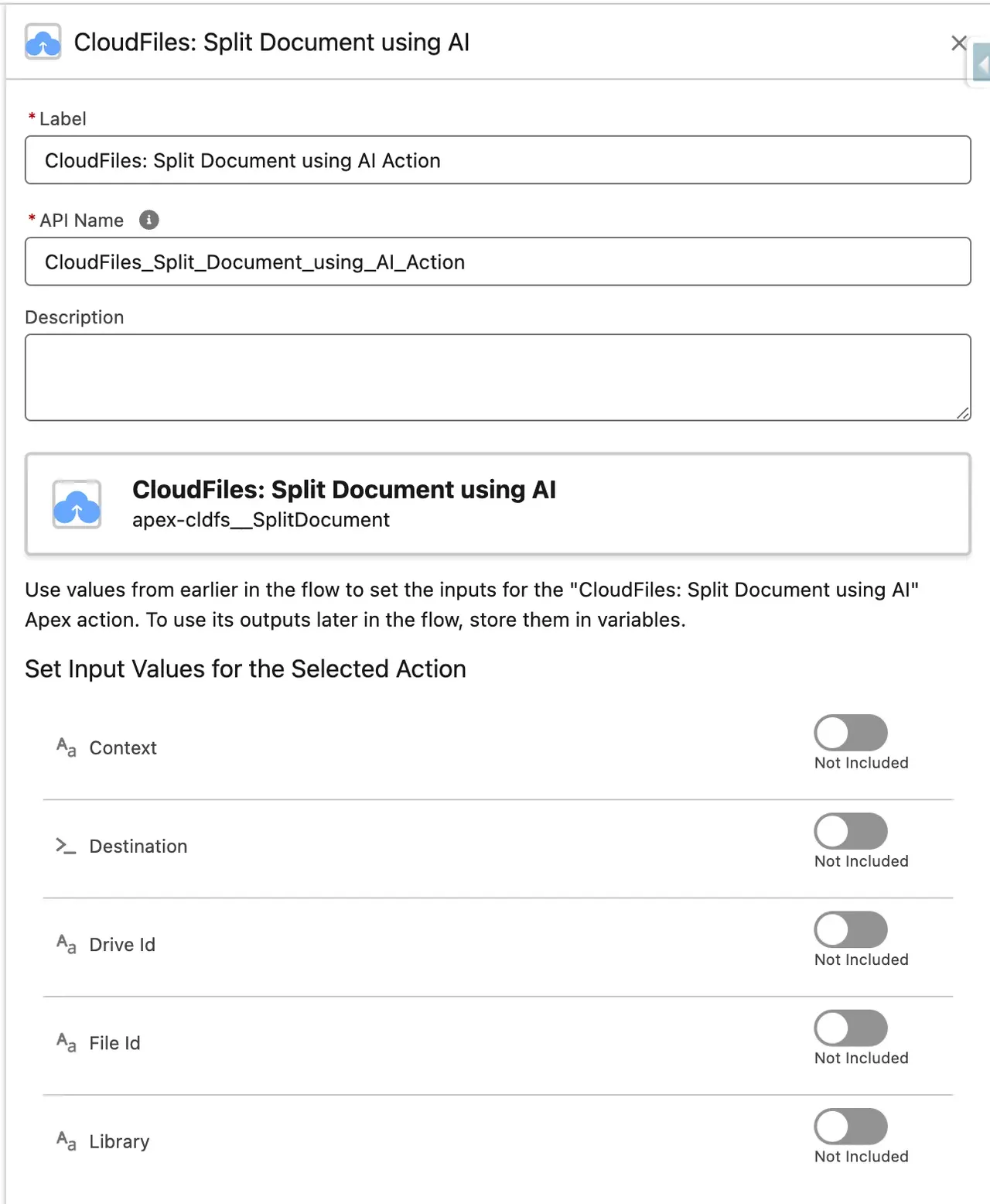
- Uses Salesforce Flow Builder to automate file splitting without manual intervention.
- Triggers post-processing actions like approvals, notifications, and external sharing.
Supports Both Salesforce & External Storage Files
- Works with Salesforce Files (ContentDocument format) and external cloud storage.
- Ensures seamless integration between Salesforce and external storage platforms.
Scalable & High-Volume Processing
- Handles large file batches efficiently without system lag.
- Supports bulk document processing, making it ideal for enterprise-scale operations.

Used across industries

Financial Services

Construction & Real Estate

Non-Profit
CloudFiles Use-Cases
See how CloudFiles helps streamline workflows in Salesforce

Organize KYC Docs
Wealth managers upload, organize & verify KYC docs right from Asset records in half the time

Daily Reporting
Technology companies create custom records for specific sales uploads for reporting purposes

Quick Templates Selection
Govt. contractors generate accurate quotes from hundreds of formats to get paid quickly

Incident Reporting
HR teams generate custom incident documents using a variety of screen flow inputs

Auto KYC Entry
Transportation companies classify KYC docs automatically & pull relevant info into fields

Digitize Medical Records
Hospitals digitize medical prescriptions by auto-reading them into checklist fields

Split Large Forms
Law firms split identity documents which are often sent in a cumbersome, combined format by the client

Stay compliant & secure.
CloudFiles AI File Splitter is a game-changer.
But don’t just take it from us.

4.9/5

4.8/5

4.5/5

CloudFiles is an excellent, easy-to-use app. It quickly solved our Salesforce to SharePoint file transfer crisis with seamless implementation and outstanding customer support. Highly recommend!

Vishal Talpallikar
Aviva

CloudFiles is incredibly robust and handles our document processes flawlessly. The highly responsive team are true problem solvers. Worth every dollar. Absolutely recommend for Salesforce.

Victor Villalobos
The Financial Interior, LLP

CloudFiles' SharePoint integration with Salesforce has reduced data storage costs, simplified document management, and enhanced efficiency. Outstanding support. Highly recommend for reducing storage expenses.

Latha Davuluri
W. R. Grace & Co.

CloudFiles has saved us many hours of repetitive work and boosted our productivity. It has taken our automation capabilities to new heights! Definitely recommended.

Jeremy Ahoyo
Atlante
Flawless app with exceptional support. CloudFiles exceeds expectations in testing, implementation, migration, and automation. Highly recommend exploring this solution for connecting file storage to Salesforce

Mark Salib
BDA Partners

CloudFiles offers great value for connecting storage solutions. Automate tasks like folder creation and file copying. Excellent support at no extra cost. Highly recommend!

Irwin Mencias
Mālama Solar

CloudFiles seamlessly integrates OneDrive with Salesforce, offers flexible Apex actions, and provides outstanding support. Vishesh and team ensured a smooth setup and file migration.

Oscar Chacón
Sagicor Financial Corporation

CloudFiles' SharePoint/Salesforce integration is excellent. The team is collaborative, responsive, and highly knowledgeable. They go the extra mile to meet our needs. Highly recommend.

Adam Ady
Anteriad

Using CloudFiles' SharePoint integration with Salesforce has saved us on data storage costs. Their support and flow templates for file permissions are excellent. Highly recommended!

Ed Pashkin
Rainforest Alliance

Book Your Personalized Demo
You are one Click Away from Smarter Docs. Join 500+ teams using CloudFiles to streamline workflows, cutting document chaos by 75% while saving hours every week.
Book a Demo